New update!
v1.9.8.3:
https://www.mediafire.com/file/gail2eqv ... 3.rar/file
.
Summary of changes from development versions v1.9.5 to v1.9.8.3
Since the last public release, v1.9.4, development has focused heavily on the
Unit Paint Studio, improved skin and insignia handling, and a new connected army-management system designed for use throughout an entire campaign.
.
v1.9.5 Unit Paint Studio development
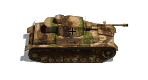
The Unit Paint Studio was expanded into a more complete vehicle-skinning environment.
Paint Unit improvements:
Added a dedicated skin browser with thumbnail support.
Added live previews for the four Panzer Corps unit views.
Added adjustable:
pattern scale;
pattern offset;
brightness;
contrast;
sharpness;
secondary colour;
tertiary colour;
insignia opacity.
Added the option to use a solid colour instead of a skin for primary, secondary, or tertiary mask regions.
Added selectable secondary and tertiary paint areas.
Added support for replacing the original vehicle insignia.
Improved the preservation of the original unit’s shadows, highlights, rivets, panel lines, and surface details.
Improved repainting of coloured source icons by neutralizing the original colour before applying the selected skin or paint
Create Unit Mask (not yet tested nor refined with this version of the program)
Continued development of the guided mask-creation system.
Added automatic and manual mask-region workflows.
Added support for editing all four sprite views individually.
Added clearer mask-region guidance and validation.
Improved handling of transparency, ignored areas, shadows, and vehicle details.
v1.9.6 – Unit Paint Studio completed and stabilized
Version 1.9.6 consolidated the Unit Paint Studio work into a stable package.
Main improvements:
Completed the Paint Unit adjustment controls.
Added collapsible adjustment panels.
Added selectable primary, secondary, and tertiary regions.
Improved preview refresh behaviour.
Improved mask interpretation.
Corrected cases where the original insignia remained visible after repainting.
Improved the reconstruction of the painted surface beneath removed insignia.
Added better support for infantry and non-grey source icons.
Improved saving of finished painted unit sprites.
Added the writable user folders required by Unit Paint Studio.
Default user content is stored under:
Documents\Panzer Corps Toolkit\Unit Paint Studio
with separate folders for skins, thumbnails, masks, and painted units.
v1.9.7 – Skin creation, mask tools, manuals, and insignia support
The v1.9.7 development series greatly expanded the supporting tools around Paint Unit.
Create Skin from Picture
A new guided wizard was added for creating a complete Panzer Corps skin from an external image.
Features include:
eight-step guided workflow;
image selection and cropping;
Tile mode;
Stretch mode;
Fit and Repeat mode;
live preview;
correct mapping across all four unit views;
automatic creation of a 296 × 296 skin;
thumbnail creation support.
Additional skin utilities
Added tools for:
Create Skin from Thumbnail;
Create Thumbnail from Skin;
Manage Skins;
browsing and organizing preset and custom skins.
Unit Paint Studio manual
A detailed Unit Paint Studio manual was added, covering:
Paint Unit;
Create Skin from Picture;
Create Skin from Thumbnail;
Create Thumbnail from Skin;
Manage Skins;
adjustment controls;
mask colours;
skin and thumbnail requirements;
user-content folders.
The Help system was expanded for all eight supported languages
A dedicated insignia system was introduced.
Bundled insignia are stored in the installed:
Insignia folder and use the same automatic nation mapping as the flag system.
The initial bundled files are numbered:
1.png through 34.png
A separate writable folder was later added for user-created insignia:
Documents\Panzer Corps Toolkit\Unit Paint Studio\Insignia
Custom insignia can use descriptive filenames and remain safe during updates or reinstallations.
Create Unit Mask insignia regions
The mask wizard was expanded with dedicated insignia colours:
RGB 72, 0, 255 — blue insignia placement area;
RGB 33, 0, 127 — original insignia pixels to remove or repaint.
All four views can contain their own insignia placement region.
v1.9.8.0 – Army Doctrine Generator and campaign army cycle
Version 1.9.8.0 introduced a major new connected army-management system.
Army Doctrine Generator
A new generator was added for:
Germany
Poland
France
United Kingdom
Soviet Union
United States
The basic workflow is intentionally simple:
select Nation;
enter Number of Units;
enter Start Date;
select Generate.
The generator automatically applies a historically appropriate, date-aware doctrine.
Doctrine influences:
class proportions;
infantry, armour, artillery, anti-tank, anti-air, recon, and air-support balance;
equipment age;
equipment quality;
mobility;
transport use;
support density;
rarity;
duplicate limits;
weighted equipment selection.
The normal generator exclusions remain active:
class 6 Structure is excluded;
nopurchase units are excluded;
bonus units are excluded;
equipment must match the selected nation and date.
Repeatable campaign army cycle
Doctrine, Reinforcements, and Upgrade now use a shared campaign-army file format.
The intended campaign workflow is:
Doctrine Generator → Reinforcements Generator → Upgrade Unit Generator → Reinforcements Generator again
The loop can be repeated throughout an entire campaign.
A player can:
generate an initial doctrine-based army;
save it;
import it into Reinforcements;
add replacement units or fill newly available slots;
merge the reinforcements into the existing army;
save the updated army;
import it into Upgrade;
upgrade individual units;
save the complete army again;
return to Reinforcements later.
The campaign army preserves:
stable unit identity;
custom name;
current equipment ID;
nation;
class;
original generation date;
reinforcement history;
upgrade history;
cost;
current status.
Campaign army storage
Campaign army files are stored by default in:
Documents\Panzer Corps Toolkit\Campaign Armies
The same current army file can be overwritten after every campaign stage.
Automatic backup copies are created before overwriting to protect long-running campaign progress.
Help updates
The Help system was updated in all eight languages to explain:
the Doctrine Generator;
campaign army files;
importing and merging reinforcements;
upgrading units;
saving after every change;
repeating the Reinforcements and Upgrade cycle;
removing destroyed units;
filling newly available campaign slots.
v1.9.8.1 – Paint Unit corrections and Help cleanup
Skin browser
Corrected duplicate stock skins appearing in the browser.
Installed and user skin folders are merged.
Duplicate filenames are suppressed case-insensitively.
A user-created skin takes priority when it has the same filename as a bundled skin.
Insignia fitting
Corrected custom insignia scaling.
The renderer detects the visible non-transparent symbol bounds.
The complete symbol is fitted inside the mask placement region.
Aspect ratio is preserved.
The insignia is centred.
A small internal margin is retained.
Roundels, crosses, stars, and shields are no longer cropped.
Help improvements
Added custom-insignia creation guidance:
Create the insignia in an external image-editing program as a 128 × 128 pixel PNG with a fully transparent background. The visible symbol should occupy
approximately 96 × 96 pixels, be centered on the canvas, and leave a small transparent margin around it.
v1.9.8.3 – Doctrine budget system and interface refinements
Refinements to Unit Paint Studio startup layout, Army Doctrine Generator date and compulsory army budget:
Generate remains unavailable until a valid positive budget is entered.
The complete generated army must remain within the allocated budget.
The requested number of units remains compulsory.
The generator first tries to create the preferred doctrine-based army.
When that composition is too expensive, it retries using the cheapest eligible equipment for every required class.
If even the cheapest valid composition cannot fill all requested slots: Allocated budget is insufficient to create the army.
.
I decided to release all of this before the weekend but the unit skin feature has not been tested nor refined yet.
This release version comes with a small unit skin package, once released by Guille.
The section Acknowlegements explicitely thanks rezaf, cw58, guille.
.
Questions, remarks, suggestions are welcome. Development of the Panzer Corps Toolkit will continue next week.








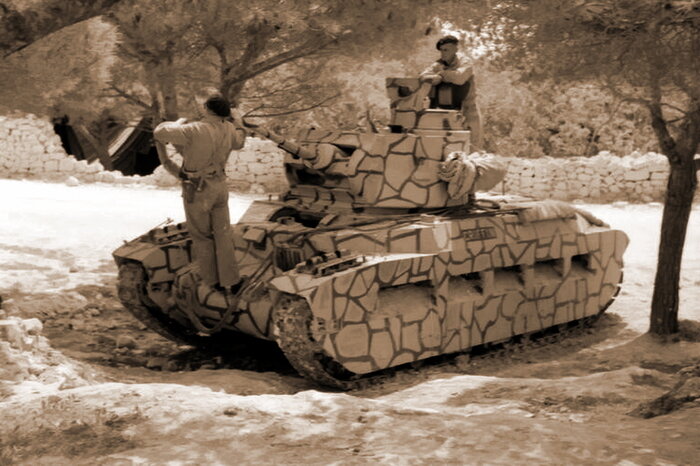
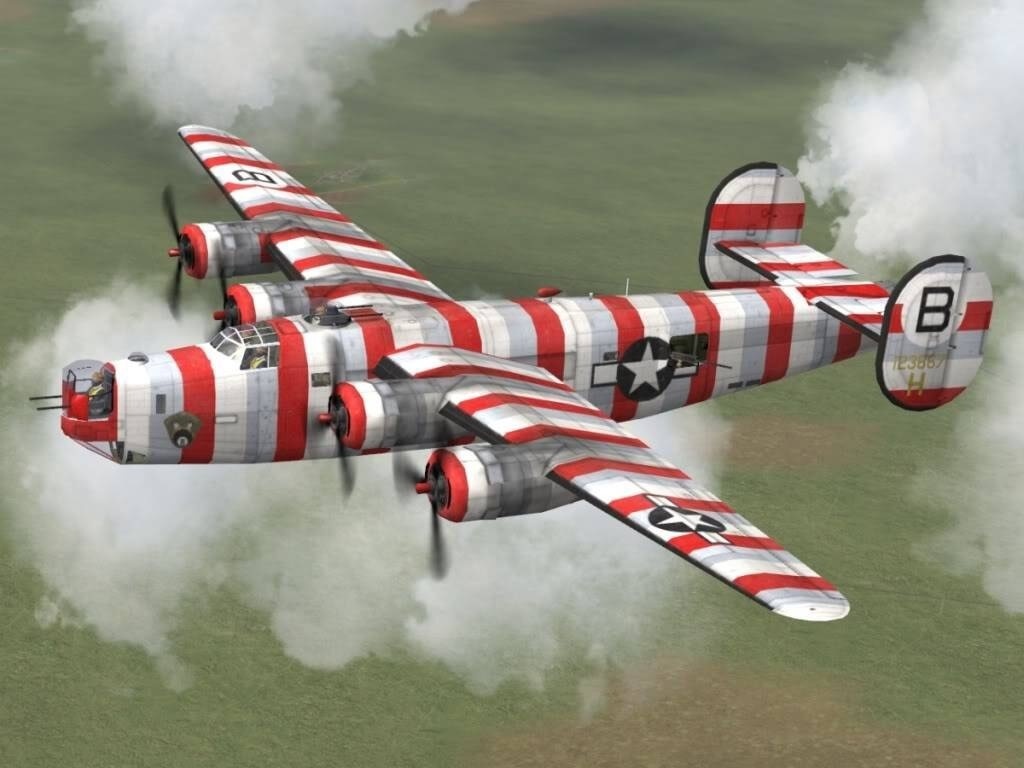
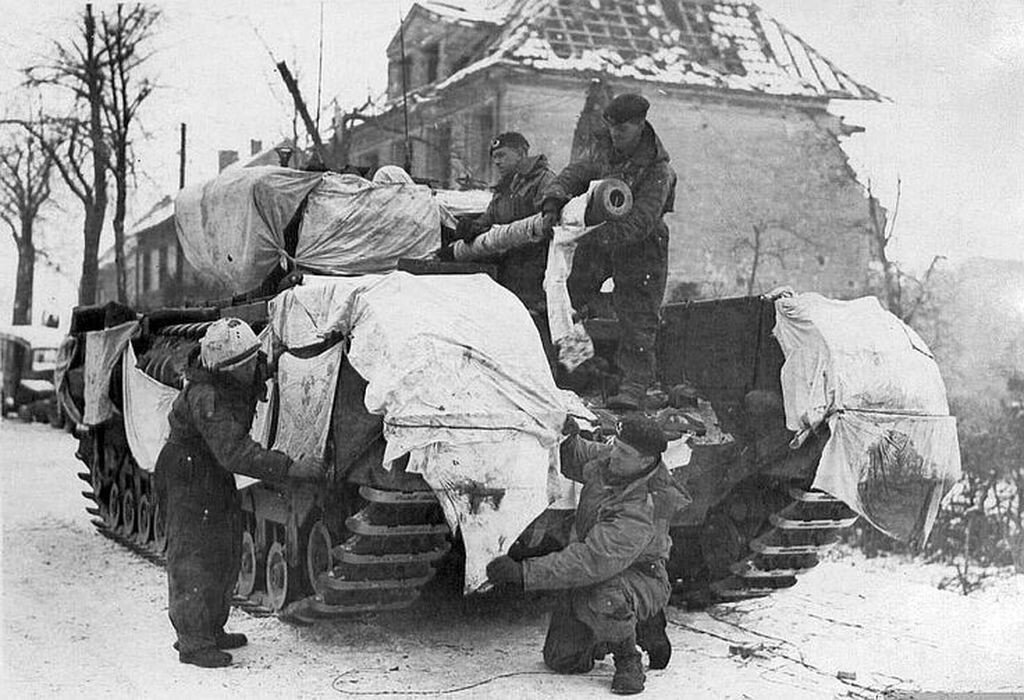
 What a beautiful and useful program! Way to go, Nico—I hope we'll be able to camouflage airplanes in it, too!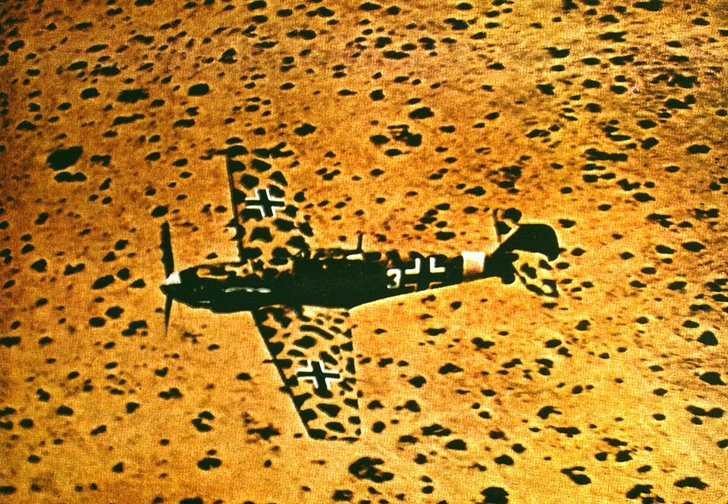
 [/img]