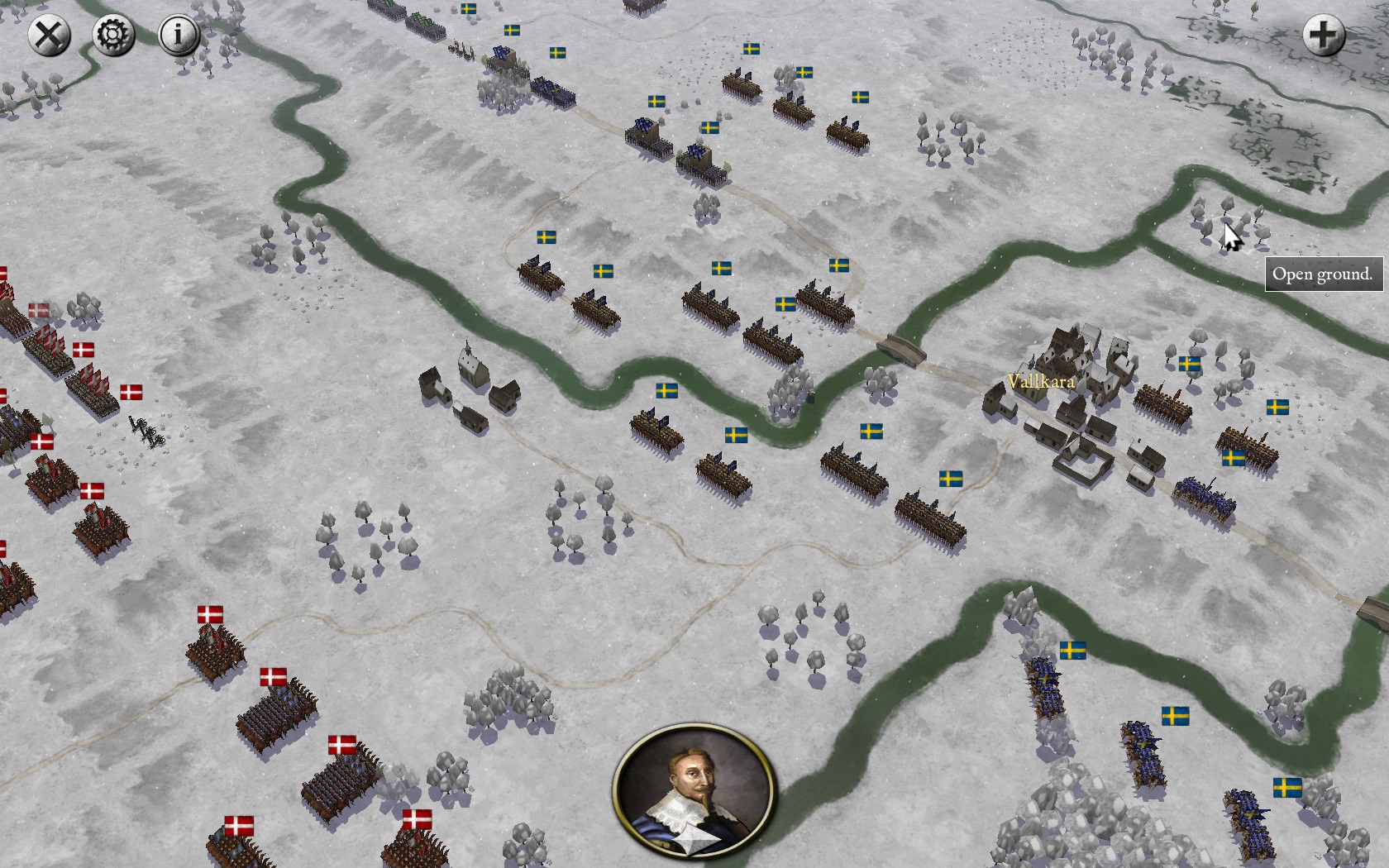
Feel free to use or mod the textures of the Snow Mod Pack ad libitum.
Download Snow Mod Pack v.1 - May 2016:
http://www.mediafire.com/download/5wyh5 ... ck_v.1.zip
Installation:
- Creating a new scenario with the mod.
1. Generate a new scenario in the editor.
2. Save and leave the game.
3. Go to /My Documents/My Games/PSCAMP/CAMPAIGNS/WhateverYouCalledYourCampaign
4. Put all folders and files (OBJECTS, TILES and TEXT2.TXT) into your campaigns folder.
5. Load your campaign in the editor; the scenario starts with the 'Snow Europe' winter textures as default style.
- Converting scenarios.
1. Go to /My Documents/My Games/PSCAMP/CAMPAIGNS/ and put all folders and files (OBJECTS, TILES and TEXT2.TXT) into the folder of the campaign you want to convert.
2. Load the campaign in the editor. The scenario shows up in one of the vanilla texture styles.
3. In the menu on the left choose 'Edging and Style'.
4. Under 'Convert Style' choose 'Snow Europe'
5. All tiles are now converted; however the vanilla objects have to be manually replaced by the winter style ones.
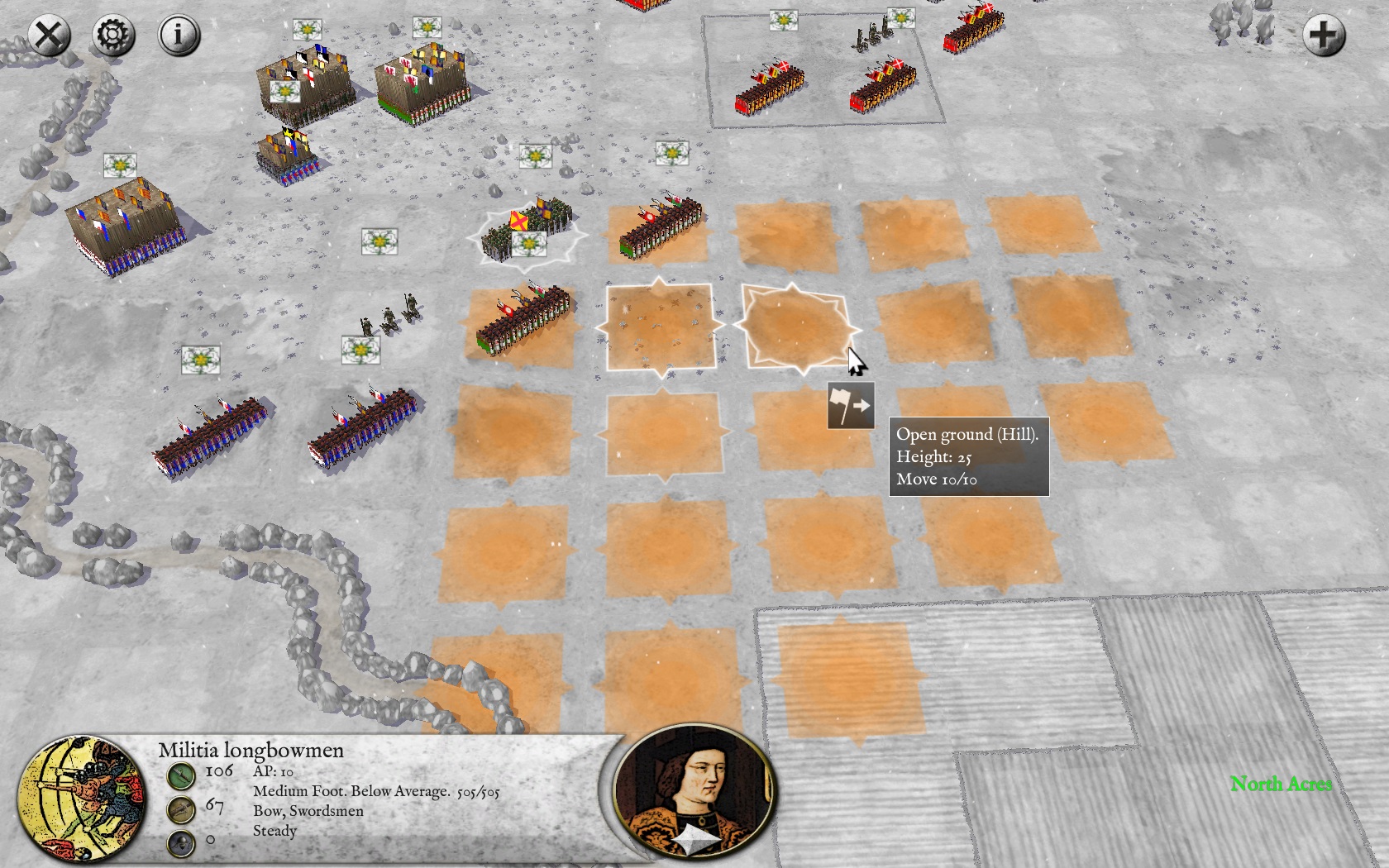
Some screenshots:
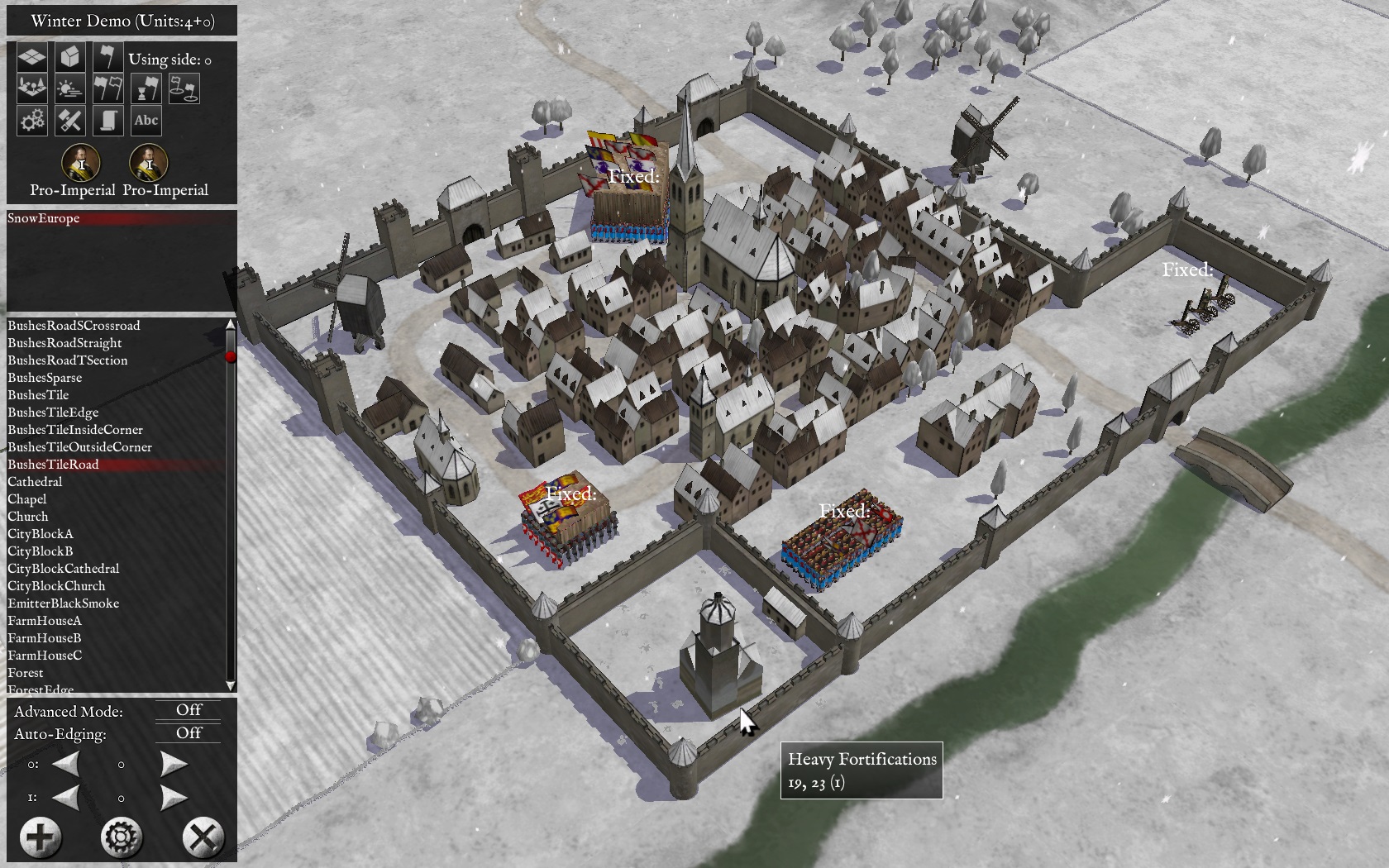
Objects:
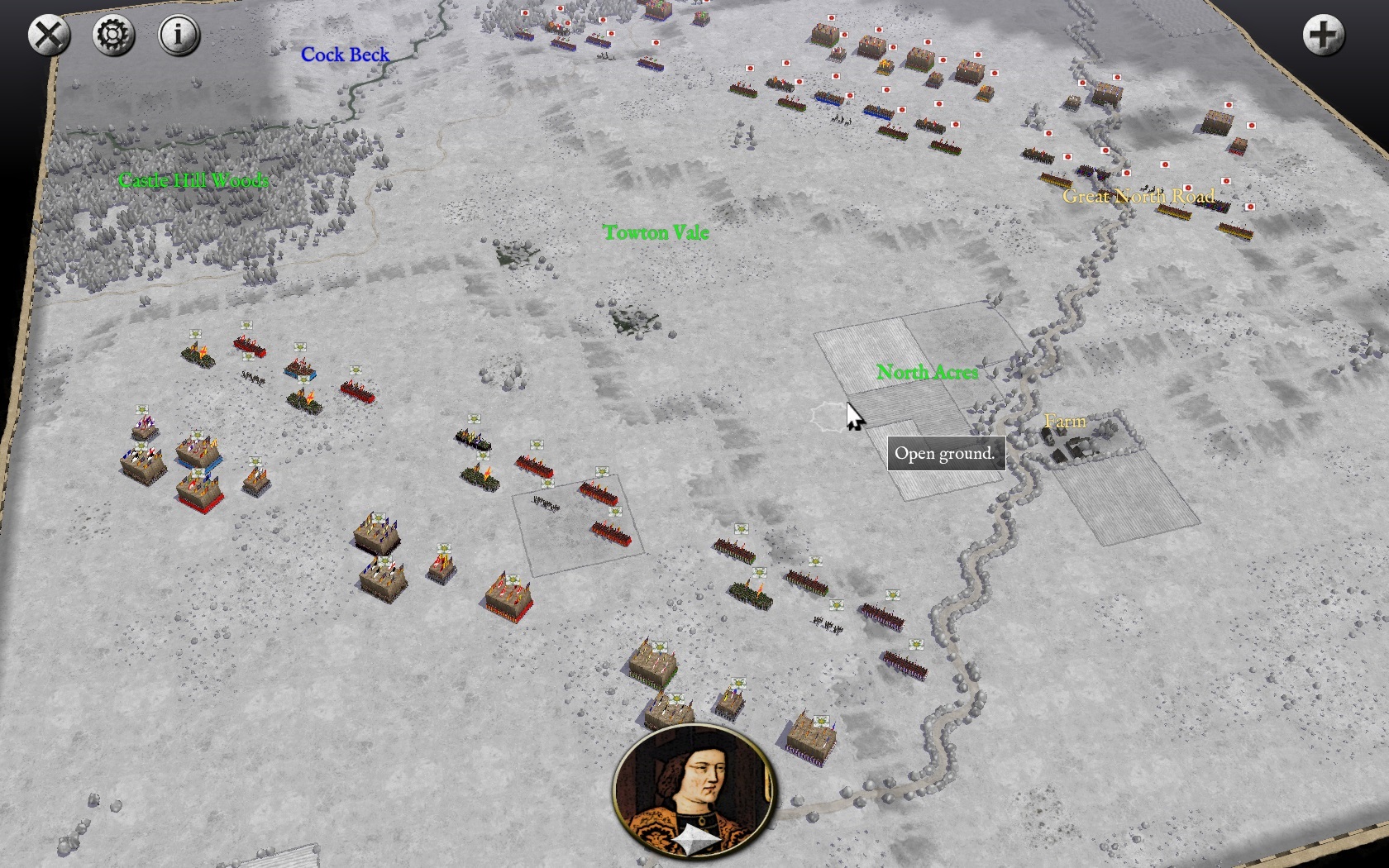
Terrain: Battle of Towton 1461 by Odenathus
Compability with overlays:
Terrain: Battle of Lund 1676 by Warlord156: