

Hi,
One question:
-How to use a Pad Image in the editor?
I've read the manual put cant really figure out how to get it to work?
Can someone help me out on this thing from step one till the end?
Thanks
How to use the Pad image?
Moderators: Slitherine Core, Panzer Corps Design, Panzer Corps Moderators
-
Grenadier79
- Corporal - 5 cm Pak 38

- Posts: 46
- Joined: Thu Dec 08, 2011 8:20 pm
- Location: The Netherlands
- Contact:

Re: How to use the Pad image?
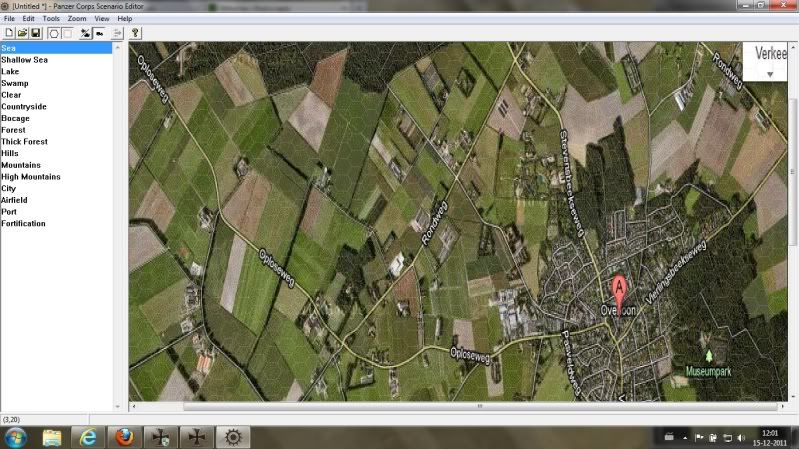
1. Load a pad image via File > Add Pad Image
2. Place the terrain you need according to the pad image, so you use it to have an orientation as where to place coast lines, rives, specific terrain (if that is all shown on the pad image you use).
Other than that, there isn't much to it as far as I know.
But it helps to look at the resolution of the pad image you use at first, then set map dimensions so that your map uses similar height/width relations. Otherwise both the image and even more important the map you create after it will get distorted.
2. Place the terrain you need according to the pad image, so you use it to have an orientation as where to place coast lines, rives, specific terrain (if that is all shown on the pad image you use).
Other than that, there isn't much to it as far as I know.
But it helps to look at the resolution of the pad image you use at first, then set map dimensions so that your map uses similar height/width relations. Otherwise both the image and even more important the map you create after it will get distorted.

-
Grenadier79
- Corporal - 5 cm Pak 38
- Posts: 46
- Joined: Thu Dec 08, 2011 8:20 pm
- Location: The Netherlands
- Contact:
-
Grenadier79
- Corporal - 5 cm Pak 38
- Posts: 46
- Joined: Thu Dec 08, 2011 8:20 pm
- Location: The Netherlands
- Contact:
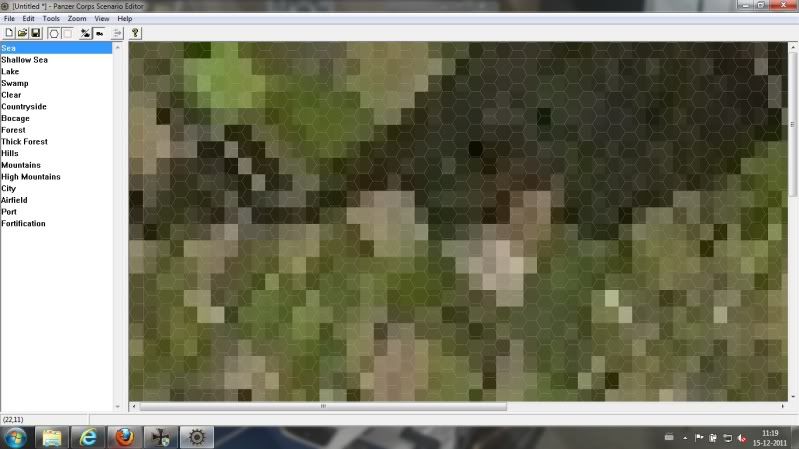
Umm, that's certainly far too small. The editor fills the whole background with the pad image, so depending on the screen resolution you use under Windows it will resize the pad image to a much larger size. If you resize such a small image to a screen of 800x600, 1200x900 or even larger you never get anything useful out of this.Grenadier79 wrote:the pad image is 84x51 (Jpeg) 4,71kb
For a good pad image try to find a pic of a map that is much bigger, ideally similar to the screen resolution you use, or at least having 50+ % of that size.
-
Grenadier79
- Corporal - 5 cm Pak 38
- Posts: 46
- Joined: Thu Dec 08, 2011 8:20 pm
- Location: The Netherlands
- Contact:
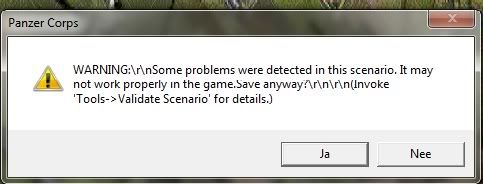
This error is usually not much to worry about in that early stage, save anyway. You can use the "Validate Scenario" option under "Tools" to list any problems. If it shows something like "hex x,y should have a custom string" - this is not really problematic, only cosmetic, your scenario will work anyway, and you can always add strings if you want later.Grenadier79 wrote: But I recive this error once I try to save the map
-
Grenadier79
- Corporal - 5 cm Pak 38
- Posts: 46
- Joined: Thu Dec 08, 2011 8:20 pm
- Location: The Netherlands
- Contact: