Modern Conflicts: Back to Panzer Corps Submod

PC : Turn based WW2 goodness in the mold of Panzer General. This promises to be a true classic!

Moderators: Slitherine Core, Panzer Corps Moderators, Panzer Corps Design

Imeror
2nd Lieutenant - Elite Panzer IVF/2
Posts: 735
Joined: Mon Aug 10, 2020 5:48 pm

Re: Modern Conflicts: Back to Panzer Corps Submod

Post by Imeror »

bondjamesbond wrote: Wed Nov 18, 2026 8:16 am
Image

AssaultX, I’m very interested in this image.

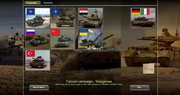
I’ve always used the "classified" folder icon in the bottom-right corner of the screen to launch the campaigns I create, but several players have reported that this icon doesn’t appear in their game menu (I don’t know why, and I haven’t been able to fix it), which means they can’t launch the campaigns at all. I’m not sure why some players have access to it while others don’t.

Because of this, I thought I might try creating a new icon (similar to the ones used for other campaigns) to replace the one for custom campaigns. This could allow players who don’t see the folder icon to launch my content.
Unfortunately, my skills outside of the scenario editor are quite limited.

Since you created one for your own new campaign, do you happen to have a tutorial on how to do it?
Modern Conflict : WWIII campaigns : www.slitherine.com/forum/viewtopic.php?t=116355
March of the Eagles : additional campaigns : www.forum.slitherine.com/viewtopic.php?t=119050
AssaultX
Lance Corporal - SdKfz 222
Posts: 25
Joined: Thu Jan 02, 2025 1:05 pm

Re: Modern Conflicts: Back to Panzer Corps Submod

Post by AssaultX »

Imeror wrote: Wed Nov 18, 2026 12:09 pm
bondjamesbond wrote: Wed Nov 18, 2026 8:16 am
Image

AssaultX, I’m very interested in this image.

I’ve always used the "classified" folder icon in the bottom-right corner of the screen to launch the campaigns I create, but several players have reported that this icon doesn’t appear in their game menu (I don’t know why, and I haven’t been able to fix it), which means they can’t launch the campaigns at all. I’m not sure why some players have access to it while others don’t.

Because of this, I thought I might try creating a new icon (similar to the ones used for other campaigns) to replace the one for custom campaigns. This could allow players who don’t see the folder icon to launch my content.
Unfortunately, my skills outside of the scenario editor are quite limited.

Since you created one for your own new campaign, do you happen to have a tutorial on how to do it?
I will reply to you a bit later. But of course I will make a guide for you! Software is my strong suit.
Image
Imeror
2nd Lieutenant - Elite Panzer IVF/2
Posts: 735
Joined: Mon Aug 10, 2020 5:48 pm

Re: Modern Conflicts: Back to Panzer Corps Submod

Post by Imeror »

AssaultX wrote: Wed Nov 18, 2026 12:02 pm
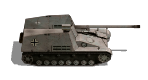
I will think about additional elite motorcycles and buggies. But historically, they were not used at this period.
If I might add one small request: it would also be great to have Zodiacs and other types of light watercraft.
Tobi previously created some nice models for me to represent pirates from the Horn of Africa (another project I’ve been chasing for over a year now :lol: ) but it would also be quite useful to have these small craft for depicting amphibious raids along the Black Sea coast. That would fit well with the scale of most scenarios in your campaign... And, (by pure coincidence :mrgreen: ), mine too

More seriously, I tried making some myself yesterday for a bonus scenario... and I can confirm that my skills outside of the scenario editor are VERY limited. :lol:


In any case, I’m very happy to see that Modern Conflicts is being kept alive. With Tobi gradually stepping away, I was starting to feel a bit alone :lol:
Modern Conflict : WWIII campaigns : www.slitherine.com/forum/viewtopic.php?t=116355
March of the Eagles : additional campaigns : www.forum.slitherine.com/viewtopic.php?t=119050
AssaultX
Lance Corporal - SdKfz 222
Posts: 25
Joined: Thu Jan 02, 2025 1:05 pm

Re: Modern Conflicts: Back to Panzer Corps Submod

Post by AssaultX »

Imeror wrote: Wed Nov 18, 2026 12:09 pm
bondjamesbond wrote: Wed Nov 18, 2026 8:16 am
Image

AssaultX, I’m very interested in this image.

I’ve always used the "classified" folder icon in the bottom-right corner of the screen to launch the campaigns I create, but several players have reported that this icon doesn’t appear in their game menu (I don’t know why, and I haven’t been able to fix it), which means they can’t launch the campaigns at all. I’m not sure why some players have access to it while others don’t.

Because of this, I thought I might try creating a new icon (similar to the ones used for other campaigns) to replace the one for custom campaigns. This could allow players who don’t see the folder icon to launch my content.
Unfortunately, my skills outside of the scenario editor are quite limited.

Since you created one for your own new campaign, do you happen to have a tutorial on how to do it?
Steps to add Campaign Button (Tried to be as precise as possible)

Step 1 - Register the Campaign (I think you already know this, but just in case)
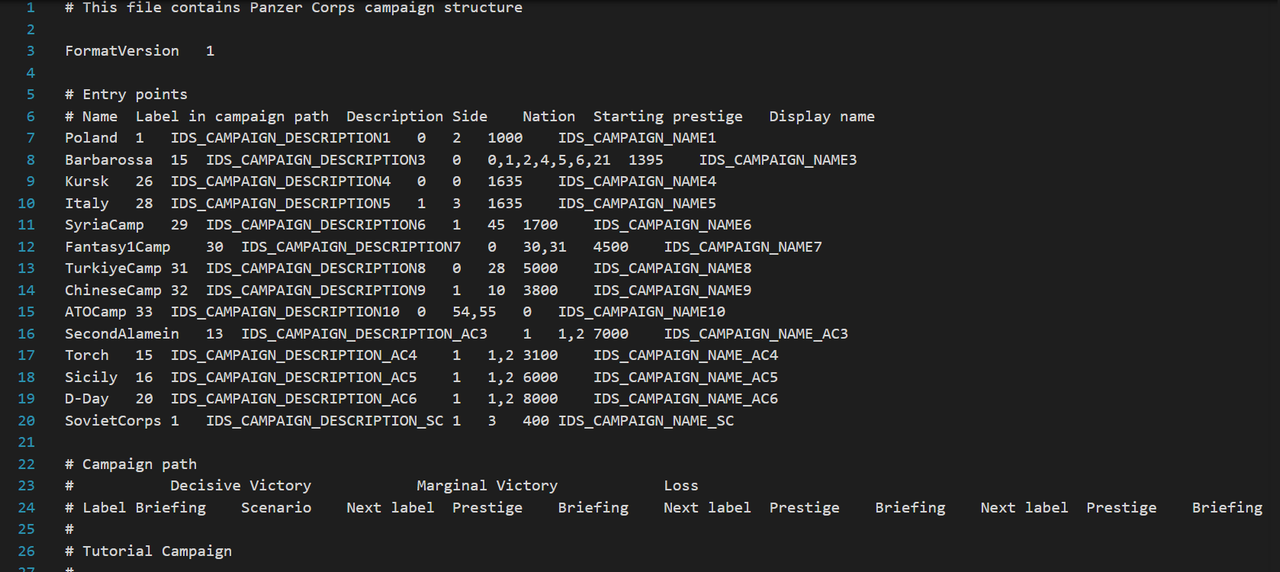
Open Data/campaign.pzdat
Image

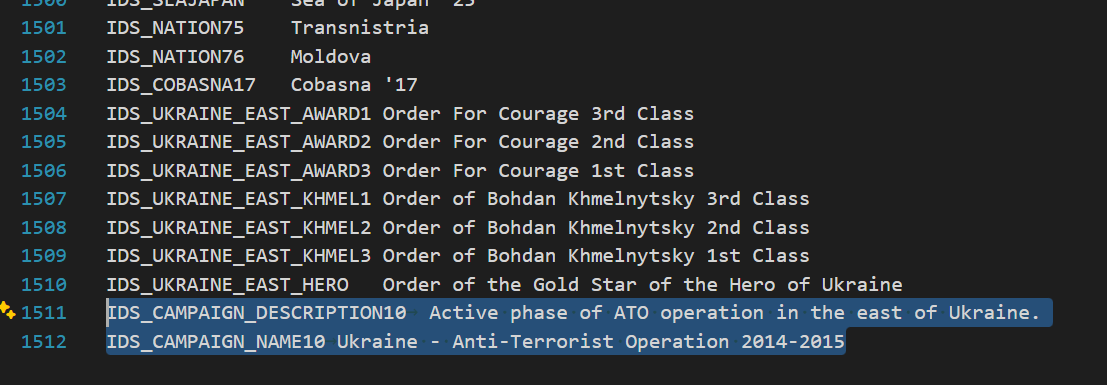
Those are Entry points. Their names are needed to connect Campaign to button. Just copy-paste the syntax from belox:
AwesomeCamp 1 IDS_CAMPAIGN_DESCRIPTION11 1 10 6767 IDS_CAMPAIGN_NAME11

Example:
ChineseCamp 32 IDS_CAMPAIGN_DESCRIPTION9 1 10 3800 IDS_CAMPAIGN_NAME9

Where
ChineseCamp - Identifier of Campaign (Name how you want. Recommended in one word. REMEMBER IT. Lets call it AwesomeCamp in further steps, so you can understand that this name is used)
32 - Label in campaign path. Try to use unused numbers'
IDS_CAMPAIGN_DESCRIPTION9 - String name of description in Data/strings.pzdat. Name it uniquely. EMEMBER IT.
1 - Side (1=russia)
10 - Nation ID (10=China)
3800 - starting prestige is 3800
IDS_CAMPAIGN_NAME9 - String name of Campaign Name in Data/strings.pzdat. Name it uniquely. EMEMBER IT.

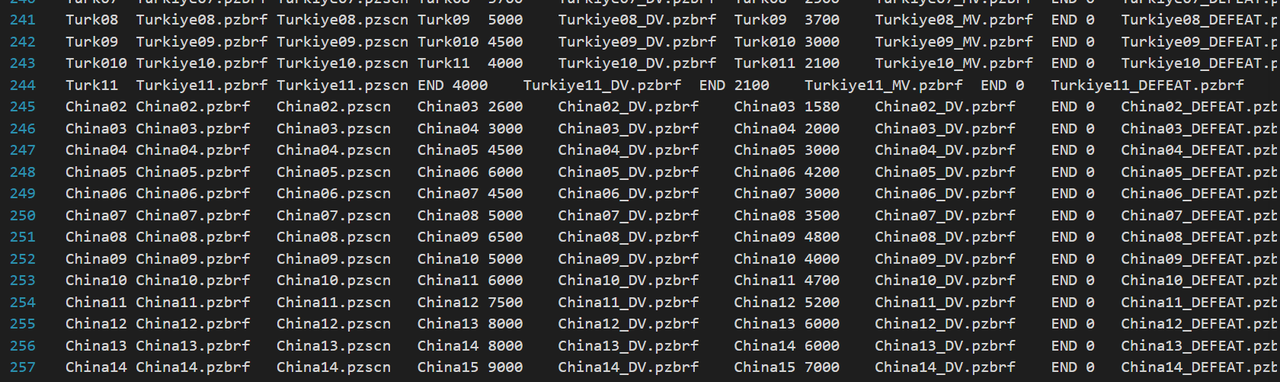
After that, you may add your scenarios and link them to form a Campaign Tree. Change parameters acordingly to your campaign
Image

First entry looks like that:
ChineseCamp China01.pzbrf China01.pzscn China02 2300 China01_DV.pzbrf China02 1350 China01_MV.pzbrf END 3700 China01_DEFEAT.pzbrf

Where:
ChineseCamp - Entry point name (Yes the same you registered above)
China01.pzbrf - File of Briefing. Must be at Data/briefings/[your file]. Displays at the beginning
China01.pzscn - File of scenario. Must be at Data/[your file]
China02 - next entry point for Decisive Victory. Needed to link next scenarios
2300 - reward prestige for Decisive Victory
China01_DV.pzbrf - File of Briefing. Must be at Data/briefings/[your file]. Displays for Decisive Victory
China02 (May be different for unlinear campaigns) - next entry point for Marginal Victory. Needed to link next scenarios
1350 - reward prestige for Marginal Victory
China01_MV.pzbrf - File of Briefing. Must be at Data/briefings/[your file]. Displays for Marginal Victory
END (May be also name for next level. Alternatively you can put END (Game Over), VICTORY (Happy ending)) - next entry point for LOSS. Needed to link next scenarios
3700 - reward prestige for LOSS
China01_DEFEAT.pzbrf - File of Briefing. Must be at Data/briefings/[your file]. Displays for LOSS


Next like that:
China02 China02.pzbrf China02.pzscn China03 2600 China02_DV.pzbrf China03 1580 China02_DV.pzbrf END 0 China02_DEFEAT.pzbrf

Where:
China02 - Entry point name (Yes the same you registered above)
China02.pzbrf - File of Briefing. Must be at Data/briefings/[your file]. Displays at the beginning
China02.pzscn - File of scenario. Must be at Data/[your file]
China03 - next entry point for Decisive Victory. Needed to link next scenarios
2600 - reward prestige for Decisive Victory
China02_DV.pzbrf - File of Briefing. Must be at Data/briefings/[your file]. Displays for Decisive Victory
China03 (May be different for unlinear campaigns) - next entry point for Marginal Victory. Needed to link next scenarios
1580 - reward prestige for Marginal Victory
China02_MV.pzbrf - File of Briefing. Must be at Data/briefings/[your file]. Displays for Marginal Victory
END (May be also name for next level. Alternatively you can put END (Game Over), VICTORY (Happy ending)) - next entry point for LOSS. Needed to link next scenarios
0- reward prestige for LOSS
China02_DEFEAT.pzbrf - File of Briefing. Must be at Data/briefings/[your file]. Displays for LOSS
Step 2 - Prepare images for buttons

Image

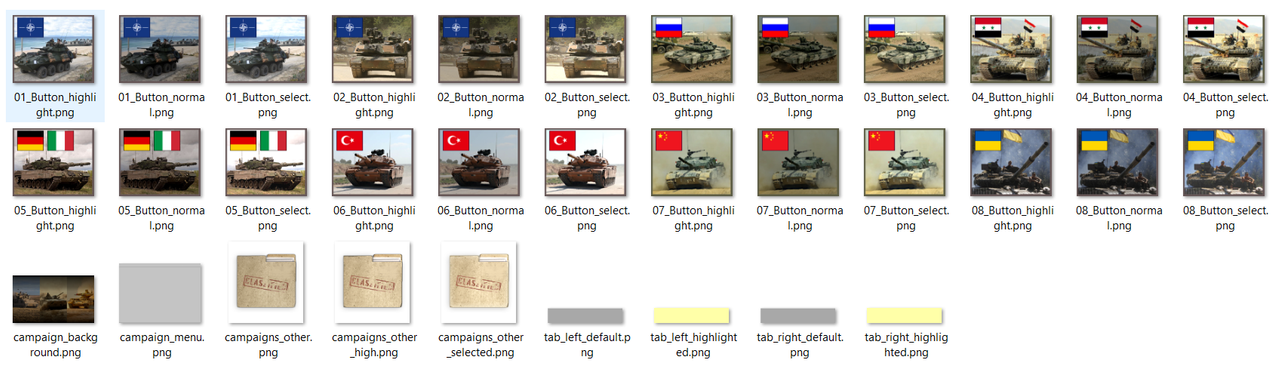
Prepare 3 PNG images 190x159 (307x223 is also possible) in UI\gamesetup:

[ImageName1]_highlight.png
[ImageName1]_normal.png - (on practise, a bit dark)
[ImageName1]_select.png - (the brightest image)

Step 3 - gamesetup.htm (The most interesting part!!!)
In your mod you`ll need modified gamesetup.htm. Dublicate it from original mod.

Then you have to do 3 actions in this file.

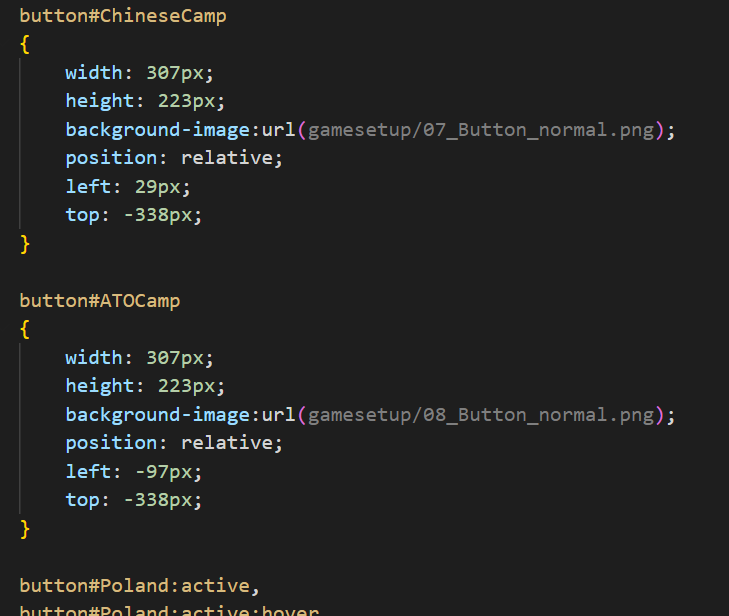
1 - Place your Button

Image

Find chinese button and add yours by these css script:

button#AwesomeCamp /* Watch step 1. Name is not random*/
{
width: 307px;
height: 223px;
background-image:url(gamesetup/MyAwesome_normal.png);
/* Change [MyAwesome_normal] to your button image from Step 2. Same as [ImageName1]_normal.png*/
position: relative;
left: 29px; /* Change this value until button is placed where you want to */
top: -338px; /* Change this value until button is placed where you want to */
}

Remember that lower button will apear ON TOP of others. If you cannot see it, then it is out range of your screen. Change left and top until you can see it

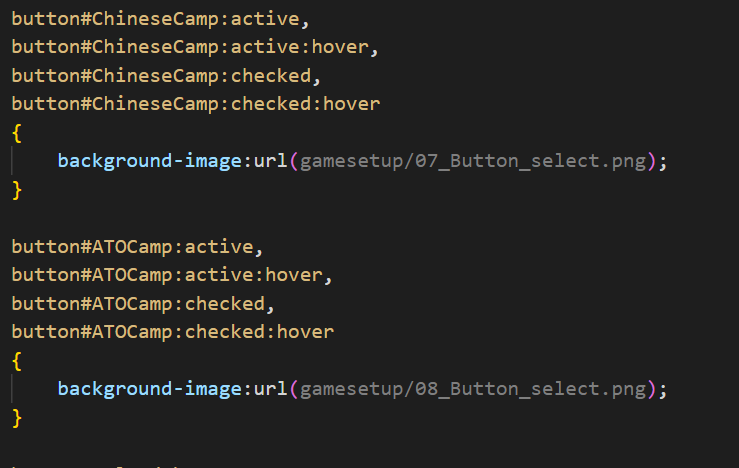
2 - Apply animation on click

Find next chinese button script and add yours by these css script:

Image
button#AwesomeCamp :active, /* Watch step 1. Name is not random*/
button#AwesomeCamp :active:hover, /* Watch step 1. Name is not random*/
button#AwesomeCamp :checked, /* Watch step 1. Name is not random*/
button#AwesomeCamp :checked:hover /* Watch step 1. Name is not random*/
{
background-image:url(gamesetup/MyAwesome_select.png); /* Change [MyAwesome_select] to your button image from Step 2. Same as [ImageName1]_select.png*/
}

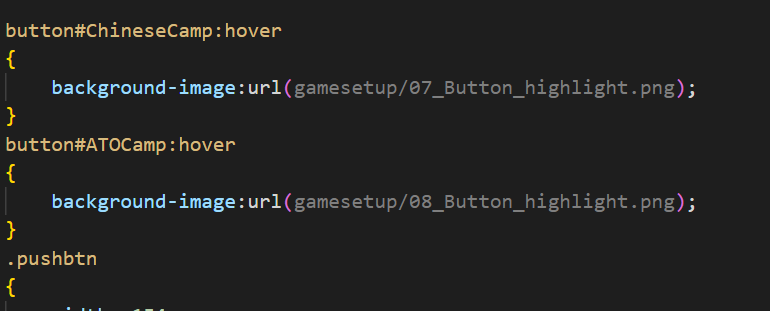
3 - Apply animation

Find next chinese button script and add yours by these css script:

Image

button#AwesomeCamp :hover /* Watch step 1. Name is not random*/
{
background-image:url(gamesetup/MyAwesome_highlight.png); /* Change [MyAwesome_highlight] to your button image from Step 2. Same as [ImageName1]_highlight.png*/

}

Step 4 - Add strings for campaign name and description
Open Data/strings.pzdat

Add new lines for your Campaign description and name (Not random. Read Step 1)
Image
PAY ATTENTION!
.pzdat cannot contain empty lines. If you want to have one, just type symbol "#" at the beginning.
Image
bondjamesbond
Lieutenant-General - Nashorn
Posts: 3314
Joined: Mon Jun 27, 2022 10:10 pm

Re: Modern Conflicts: Back to Panzer Corps Submod

Post by bondjamesbond »

AssaultX wrote: Wed Nov 18, 2026 12:02 pm
bondjamesbond wrote: Wed Nov 18, 2026 8:16 am
Imeror wrote: Tue Nov 17, 2026 9:07 pm


Wait a minute, how did I miss this campaign???
I love non-linear campaigns, and I completely missed this one!
Once I get my next chapter out, I’m going to give this a try :lol:

Might I suggest making it clearer that there’s new content further down in the thread?
I hadn’t realized this campaign had been posted until I went back and re-read the first post...


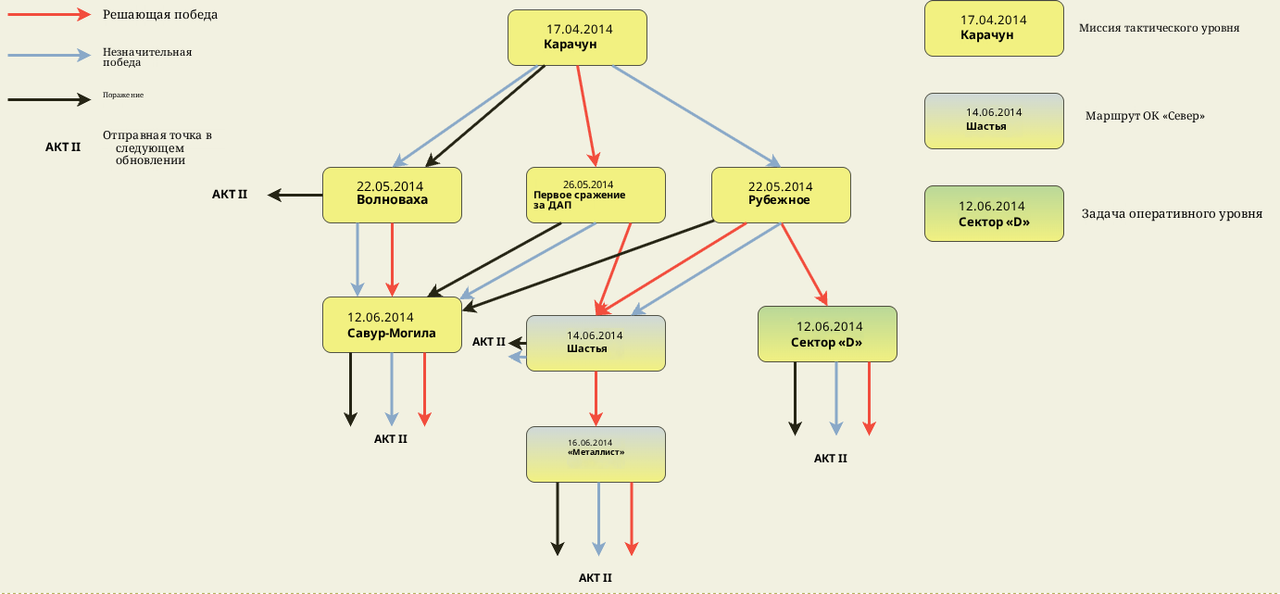
I also really like that there are indications regarding the scale (tactical or operational) of the scenarios.
I too alternate between different scales, but it had never occurred to me to clearly indicate this for the player. It’s actually quite helpful for keeping track of where we are; it's a very good idea.
Image
:lol: It’s simple – the author just edited their post and the mod on 9 November, and thanks to you, I’ve only just noticed it ))) It’s useful to have a look at the front page every now and then ) I should have a go too, to see if there’s anything new there ) But first I need to finish the war in the Pacific )
viewtopic.php?p=1082069#p1082069

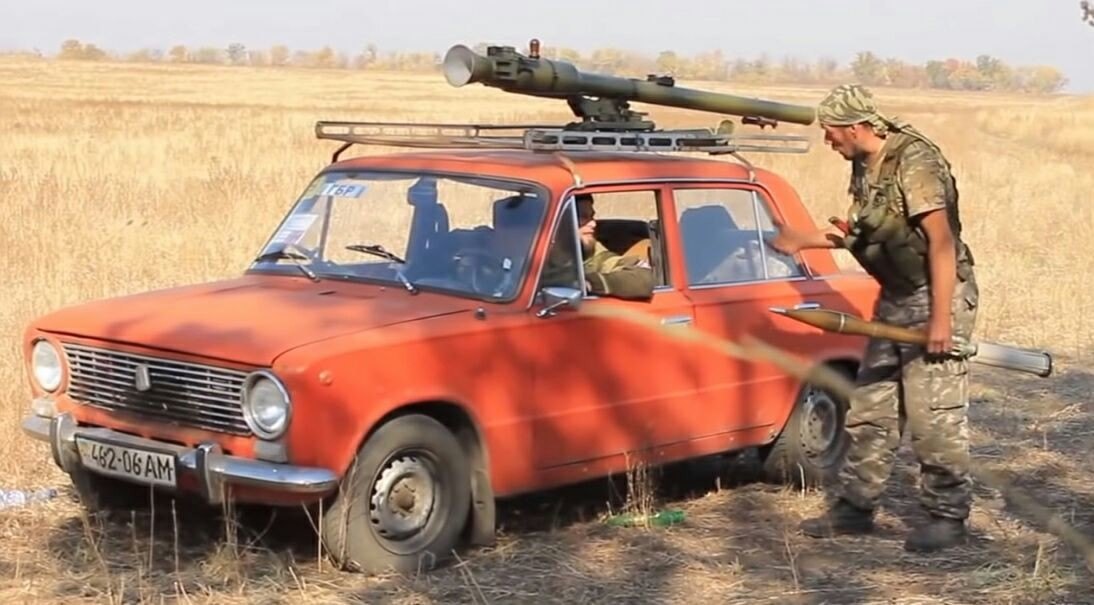
As for adding something, bring motorcycles and buggies for the special forces! In winter, you can add snowmobiles and aerial sleds with a switch to skiers)

Image

Image Image Image Image

https://i.postimg.cc/mDtDzbCT/Campaign-Tree-ru.png
If there’s enough interest, should I put together a "2.151" version; a community update that bundles extra content contributed by others people so far, and fix the few mistakes Akkula forget in his last update?
Yes, such an update would not be superfluous if, of course, it does not drag on as usual, knowing you in Serbian for years)))

P.s.
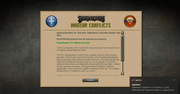
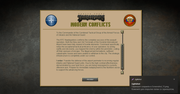
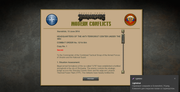
Is there a Russian translation available? I’m not entirely sure what’s going on or what commands I’m supposed to use! The images are great, though—it’s just like an illustrated book...
I will think about additional elite motorcycles and buggies. But historically, they were not used at this period.

About translation - it is SUPOSED to be uncleared since briefings were written in burocratic language 8). Even after translation, it will be even more confusing (also taking in consideration, that english version is an adaptation of ukrainian style). English version make it a bit clearer. But I am not a linguist :P

But don`t worry. I designed the campaign in the way, that player can the briefings (since they don`t always represent the real situation in same way as real burocracy). Field info and scenario objective are the best source of information
Image
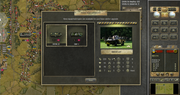
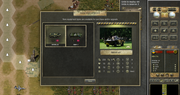
"Sarmat-2" Buggy
The Sarmat-2 is notable for being based on the VAZ Niva, yet it features a completely unique, doorless and roofless body designed specifically for special operations assault units.
This buggy is capable of operating in mountainous terrain at altitudes of up to 3,100 meters above sea level, traversing mountain passes as high as 4,500 meters, and carrying payloads of up to 600 kg, with a total permissible vehicle weight of approximately 2 tons.
The Sarmat is powered by a 1.7-liter VAZ-21214 gasoline engine producing 80 hp, paired with a five-speed manual transmission and both center and axle differential locks. The Sarmat-2 has a top speed of 130 km/h.
In terms of armament, the vehicle is equipped with 12.7mm Kord heavy machine guns and AGS-17 "Plamya" automatic grenade launchers.
Furthermore, the Sarmat can be transported by air via army aviation helicopters using an external sling system.
All About 👉 Weapons (https://t.me/+Z54KZ2hkRzplZGZi)💥
Image
Motorcycles in Ukraine have always been at first a civilian version for the delivery of defamation and personal needs, now it is a massive phenomenon in its own territory. )

Image
https://i.pinimg.com/originals/cd/61/8b ... 5b84f1.jpg

Image
https://antifashist.com/item/shushpance ... stoit.html

I get your point, but I’m just talking about the usual localization of the translation of the text you wrote, including the images and the briefing, from English into Russian!
Image
https://union.4bb.ru/viewtopic.php?id=971&p=34#p128940

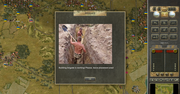
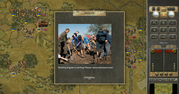
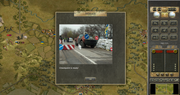
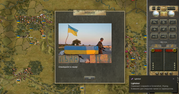
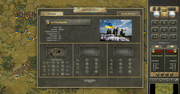
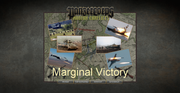
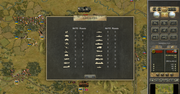
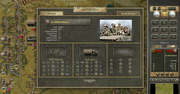
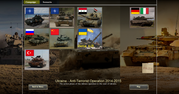
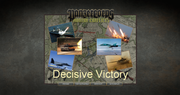
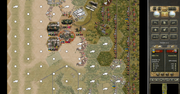
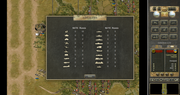
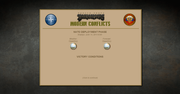
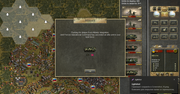
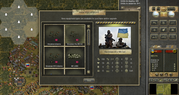
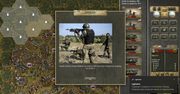
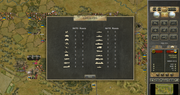
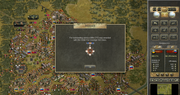
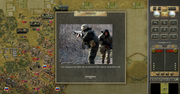
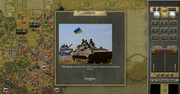
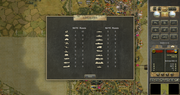
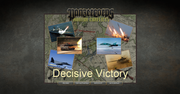
I passed your anti-terrorist operation with decisive victories! I am attaching screenshots and replays! I really enjoyed it. Keep making us happy in the same spirit! It would be nice to have a company for the DPR and LPR too)

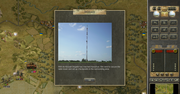
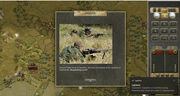
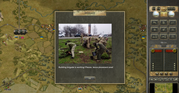
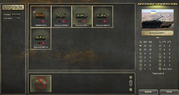
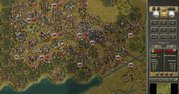
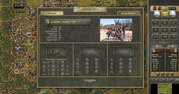
Image Image Image Image
Attachments
(19.11.2026) Metalist, Turn 9.rar
(99.54 KiB) Downloaded 1 time
(19.11.2026) Karachun, Turn 8.rar
(99.09 KiB) Downloaded 1 time
(19.11.2026) First battle of Donetsk Airport, Turn.rar
(98.13 KiB) Downloaded 1 time
https://mynickname.com/id73473
Image
Post Reply

Return to “Panzer Corps”