

There are no buttons on the left on the troop deployment screen.bondjamesbond wrote: Tue Oct 27, 2026 11:32 amTo do this, just click the quick save button, which is located on the left side of the interface! I’d really like to have a button to start the scenario over if something doesn’t go as planned (something like that is available in Panzer Corps)!Kas Narayda wrote: Tue Oct 27, 2026 7:44 am I would also like to be able to save the game before deploying troops at the beginning of the scenario.
PzC Toolkit v2.0.5.1 - Classic General v0.12.6 (30/10/26)
Moderators: Slitherine Core, Panzer Corps Design, Panzer Corps Moderators
-
Kas Narayda
- Lance Corporal - SdKfz 222
- Posts: 23
- Joined: Mon Dec 06, 2021 2:42 pm
Re: PzC Toolkit v2.0.5.1 - Classic General v0.12.4 (24/10/26)
-
bondjamesbond
- Lieutenant-General - Nashorn
- Posts: 3275
- Joined: Mon Jun 27, 2022 10:10 pm
Re: PzC Toolkit v2.0.5.1 - Classic General v0.12.4 (24/10/26)
Kas Narayda wrote: Wed Oct 28, 2026 3:55 amThere are no buttons on the left on the troop deployment screen.bondjamesbond wrote: Tue Oct 27, 2026 11:32 amTo do this, just click the quick save button, which is located on the left side of the interface! I’d really like to have a button to start the scenario over if something doesn’t go as planned (something like that is available in Panzer Corps)!Kas Narayda wrote: Tue Oct 27, 2026 7:44 am I would also like to be able to save the game before deploying troops at the beginning of the scenario.
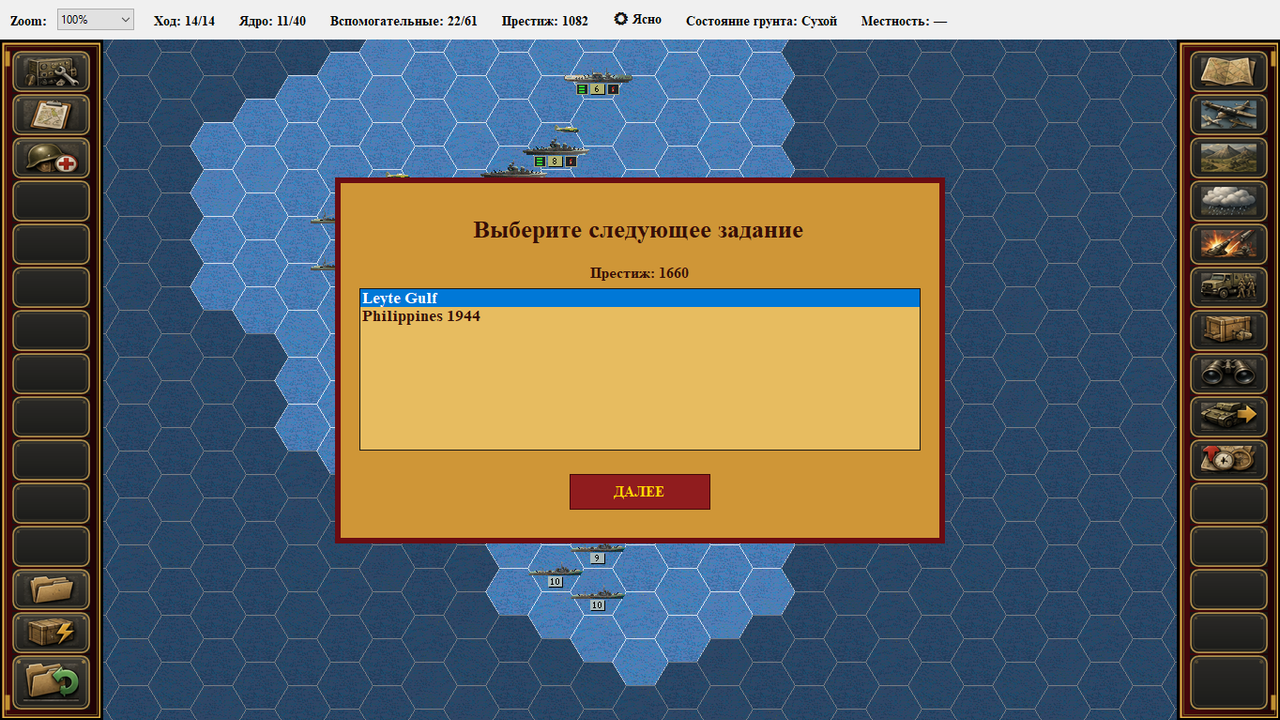
I see three problems here: either we don’t quite understand each other, or you have a very old version of the mod, or you’ve installed something incorrectly or haven’t enabled certain options!
https://mynickname.com/id73473


Re: PzC Toolkit v2.0.5.1 - Classic General v0.12.4 (24/10/26)
The next update will include the options to restart a scenario and to save during the deployment phase.
.
.
.
.
- aaa.png (5.43 KiB) Viewed 428 times
.
- bbb.png (45.56 KiB) Viewed 428 times
-
bondjamesbond
- Lieutenant-General - Nashorn
- Posts: 3275
- Joined: Mon Jun 27, 2022 10:10 pm
Re: PzC Toolkit v2.0.5.1 - Classic General v0.12.4 (24/10/26)
nikivdd wrote: Wed Oct 28, 2026 10:49 am The next update will include the options to restart a scenario and to save during the deployment phase.
.
aaa.png
.
.
bbb.png
That’s great – when’s it coming out!?
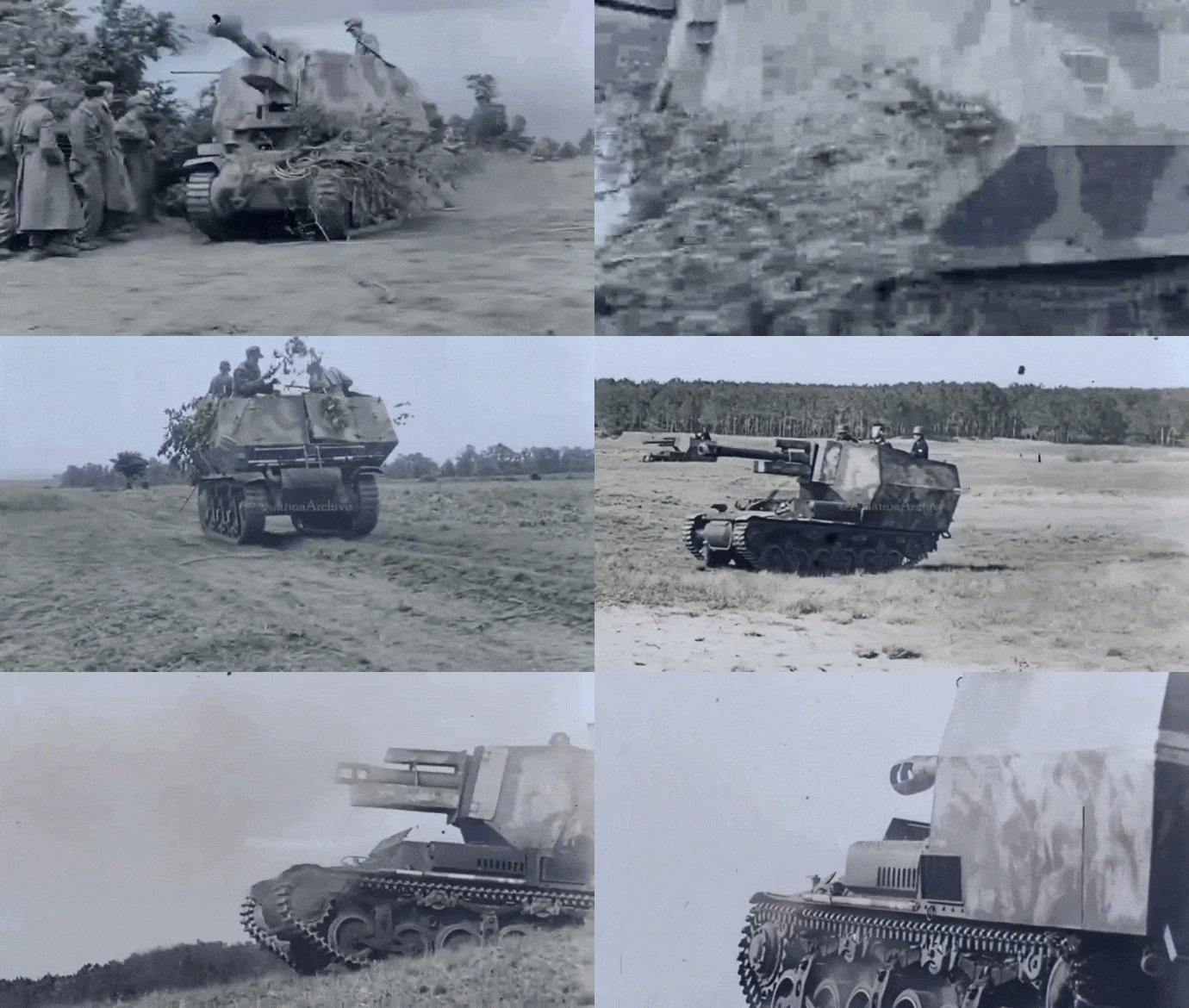
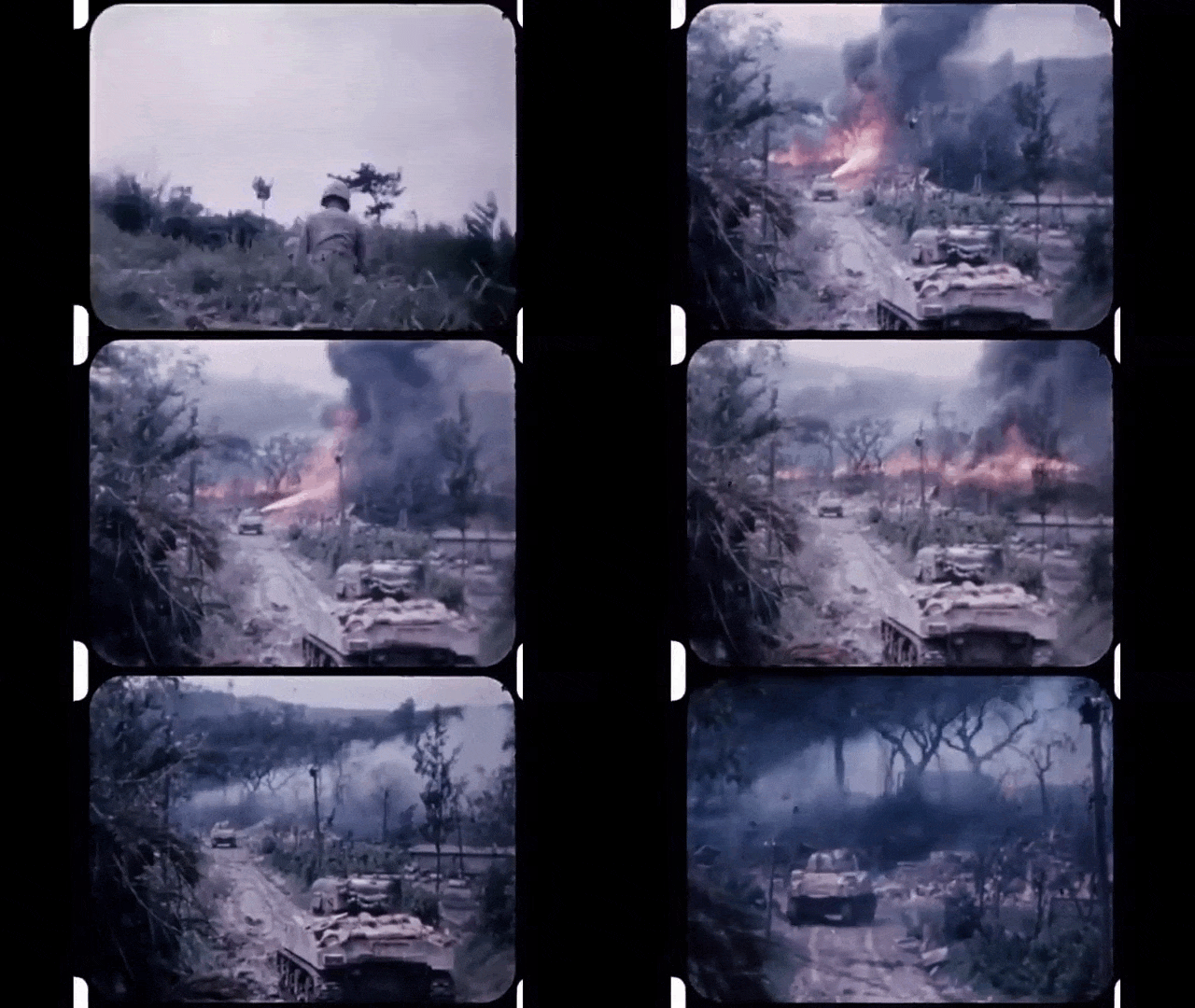
In 1942, the Germans converted 24 captured French Lorraine 37L tractors into a self-propelled artillery vehicle—the 7.7-ton *Lorraine Schlepper(f)*, armed with a 105mm *leFH 18/40* howitzer—which saw combat in Normandy as part of the 21st Panzer Division.
https://mihalchuk-1974.livejournal.com/808685.html
https://mynickname.com/id73473
Re: PzC Toolkit v2.0.5.1 - Classic General v0.12.4 (24/10/26)
This week.That’s great – when’s it coming out!?
Re: PzC Toolkit v2.0.5.1 - Classic General v0.12.4 (24/10/26)
Development update:
.
.
.
.
.
.
Each unit portrait has three lamps: green (can buy), orange (can buy but then less than 100 prestige will remain), red (cannot buy)
.
- ccc.png (19.89 KiB) Viewed 265 times
- aaa.png (11.36 KiB) Viewed 265 times
- bbb.png (9.99 KiB) Viewed 265 times
.
.
Each unit portrait has three lamps: green (can buy), orange (can buy but then less than 100 prestige will remain), red (cannot buy)
Re: PzC Toolkit v2.0.5.1 - Classic General v0.12.6 (30/10/26)
Classic General has been updated.
.
v0.12.6: https://www.mediafire.com/file/t68r942n ... p.rar/file
.
- Pacific module purchase screen: carriers show amount of aircraft slots
- Pacific module purchase screen: planes have a marker if they can land on an aircraft carrier (AC green=yes, AC red=no)
- Panzer/Allied module: more panzer corps icons imported and rescaled
- All modules: purchase screen ground units have a marker the ying-yang symbol (pulsating = switchable unit , normal = non-switchable)
- Game can be saved at the deployment phase - the in-game save folder now contains "Restart scenario"; both options are not compatible with older saves
- Each unit portrait has three lamps: green (can buy), orange (can buy but then less than 100 prestige will remain), red (cannot buy)
.
v0.12.6: https://www.mediafire.com/file/t68r942n ... p.rar/file
.
- Pacific module purchase screen: carriers show amount of aircraft slots
- Pacific module purchase screen: planes have a marker if they can land on an aircraft carrier (AC green=yes, AC red=no)
- Panzer/Allied module: more panzer corps icons imported and rescaled
- All modules: purchase screen ground units have a marker the ying-yang symbol (pulsating = switchable unit , normal = non-switchable)
- Game can be saved at the deployment phase - the in-game save folder now contains "Restart scenario"; both options are not compatible with older saves
- Each unit portrait has three lamps: green (can buy), orange (can buy but then less than 100 prestige will remain), red (cannot buy)
-
Kas Narayda
- Lance Corporal - SdKfz 222
- Posts: 23
- Joined: Mon Dec 06, 2021 2:42 pm
Re: PzC Toolkit v2.0.5.1 - Classic General v0.12.4 (24/10/26)
nikivdd wrote: Wed Oct 28, 2026 10:49 am The next update will include the options to restart a scenario and to save during the deployment phase.
- Attachments
-
- 2026-10-31_10-00-52.png (4.2 KiB) Viewed 189 times
Re: PzC Toolkit v2.0.5.1 - Classic General v0.12.4 (24/10/26)
Kas Narayda wrote: Sat Oct 31, 2026 7:02 amnikivdd wrote: Wed Oct 28, 2026 10:49 am The next update will include the options to restart a scenario and to save during the deployment phase.
- aaa.png (5.57 KiB) Viewed 174 times
Keep in mind that older saves might not work.
Start a new campaign, open the command console (Ctrl+A), and enter END 0 to advance to the next scenario. Then check whether the problem still occurs. You can also post your feedback in Russian, just like Bond does, but please include an English translation underneath.
.
Имейте в виду, что старые сохранения могут не работать.
Начните новую кампанию, откройте командную консоль (Ctrl+A) и введите команду `END 0`, чтобы перейти к следующему сценарию. Затем проверьте, возникает ли проблема снова.
Вы также можете оставлять отзывы на русском языке, как это делает Bond, но, пожалуйста, добавляйте ниже перевод на английский.
-
bondjamesbond
- Lieutenant-General - Nashorn
- Posts: 3275
- Joined: Mon Jun 27, 2022 10:10 pm
Re: PzC Toolkit v2.0.5.1 - Classic General v0.12.6 (30/10/26)
nikivdd wrote: Fri Oct 30, 2026 8:47 pm Classic General has been updated.
.
v0.12.6: https://www.mediafire.com/file/t68r942n ... p.rar/file
.
- Pacific module purchase screen: carriers show amount of aircraft slots
- Pacific module purchase screen: planes have a marker if they can land on an aircraft carrier (AC green=yes, AC red=no)
- Panzer/Allied module: more panzer corps icons imported and rescaled
- All modules: purchase screen ground units have a marker the ying-yang symbol (pulsating = switchable unit , normal = non-switchable)
- Game can be saved at the deployment phase - the in-game save folder now contains "Restart scenario"; both options are not compatible with older saves
- Each unit portrait has three lamps: green (can buy), orange (can buy but then less than 100 prestige will remain), red (cannot buy)
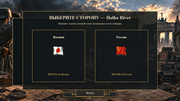
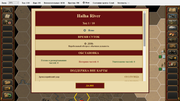
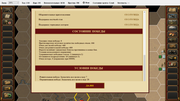
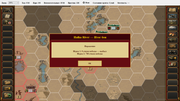
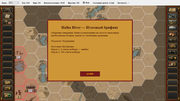
Thank you, Nico, for the update! I also think it’s better to write “USSR” or at least “Soviet Russia” instead of “Russia” — this will help avoid confusion with various ROAs and so on, which, even though they were Russian, fought for the Wehrmacht and the SS!
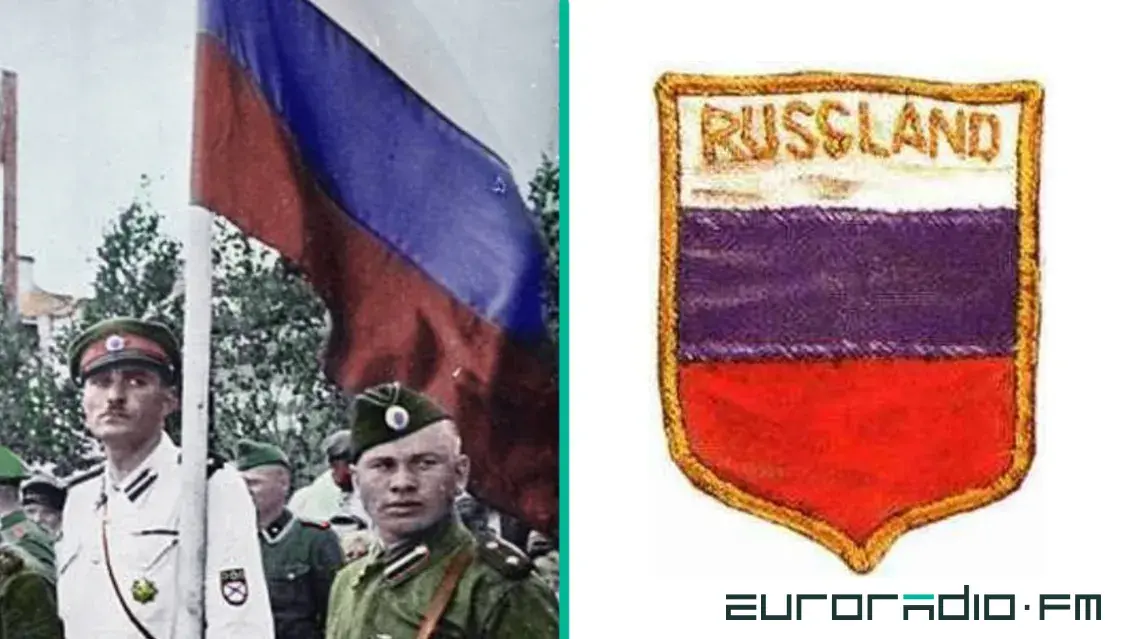

https://cont.ws/@oprichnik17/820440
https://kanaev55.livejournal.com/409183.html
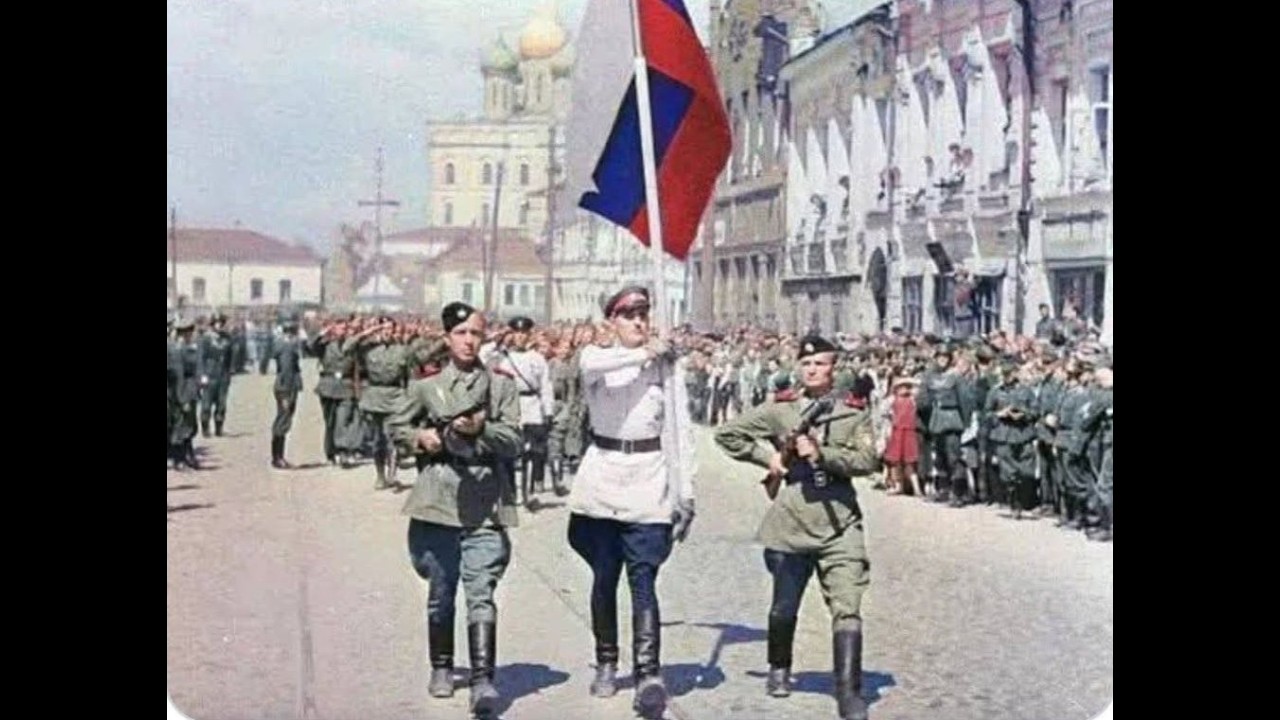
https://zvezdaweekly.ru/news/20197151216-EaSic.html
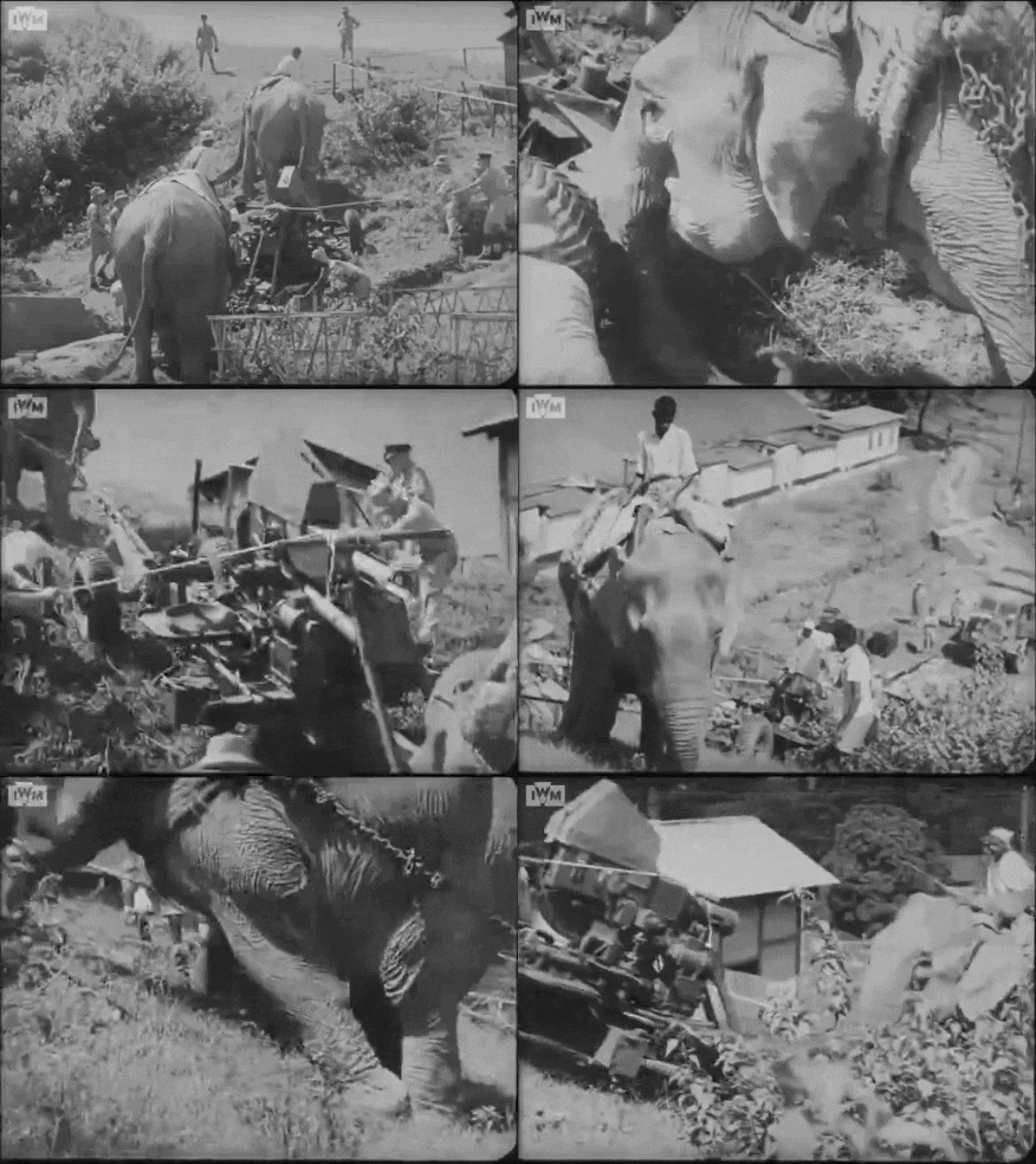
https://mynickname.com/id73473