Page 1 of 1
Gate of troy windows 10
Posted: Tue Jul 23, 2019 12:02 pm
by icare37
hi I have a problem with my CD gate of troy on windows 10 .
when I launch the game its said to me: "Impossible to exacute the code because d3drm.dll is nowhere to be found"
I have uninstall the program and I install it several times but the same message appears.
could you help me? Thank you.
Re: Gate of troy windows 10
Posted: Tue Jul 23, 2019 8:20 pm
by pipfromslitherine
Please see this thread which should help solve the problem
http://www.slitherine.com/forum/viewtop ... f=6&t=4611
Cheers
Pip
Re: Gate of troy windows 10
Posted: Wed Jul 24, 2019 8:19 am
by zakblood
Re: Gate of troy windows 10
Posted: Wed Jul 24, 2019 9:58 am
by icare37
sorry but when I want to put the folder d3drm.dll on my CD its shows me "inscriptible disc in the drive" and my CD is automatically removed from my PC
and now I can no longer install gates of troy on my computer.
half of the download a message of ereure "ereure of component transfer"...
Re: Gate of troy windows 10
Posted: Wed Jul 24, 2019 10:03 am
by zakblood
you can't place it on a cd, only install in on the pc once the game is installed, as per my guide
Re: Gate of troy windows 10
Posted: Wed Jul 24, 2019 11:36 am
by icare37
I'm sorry but I don't have the same proposal as on your help site.
here are 2 capture for more precision.
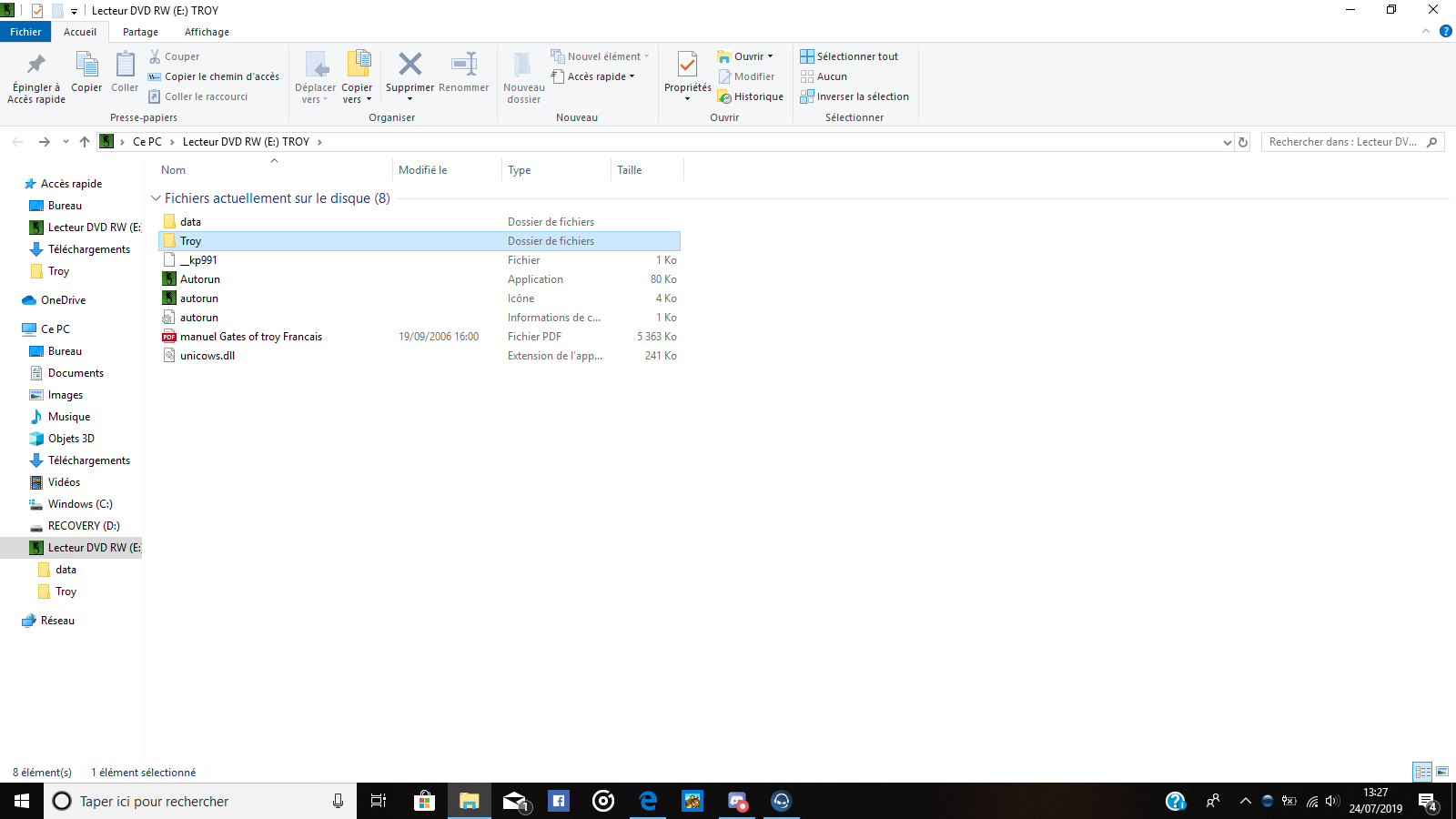
- Capture d’écran (4).png (123.94 KiB) Viewed 2891 times
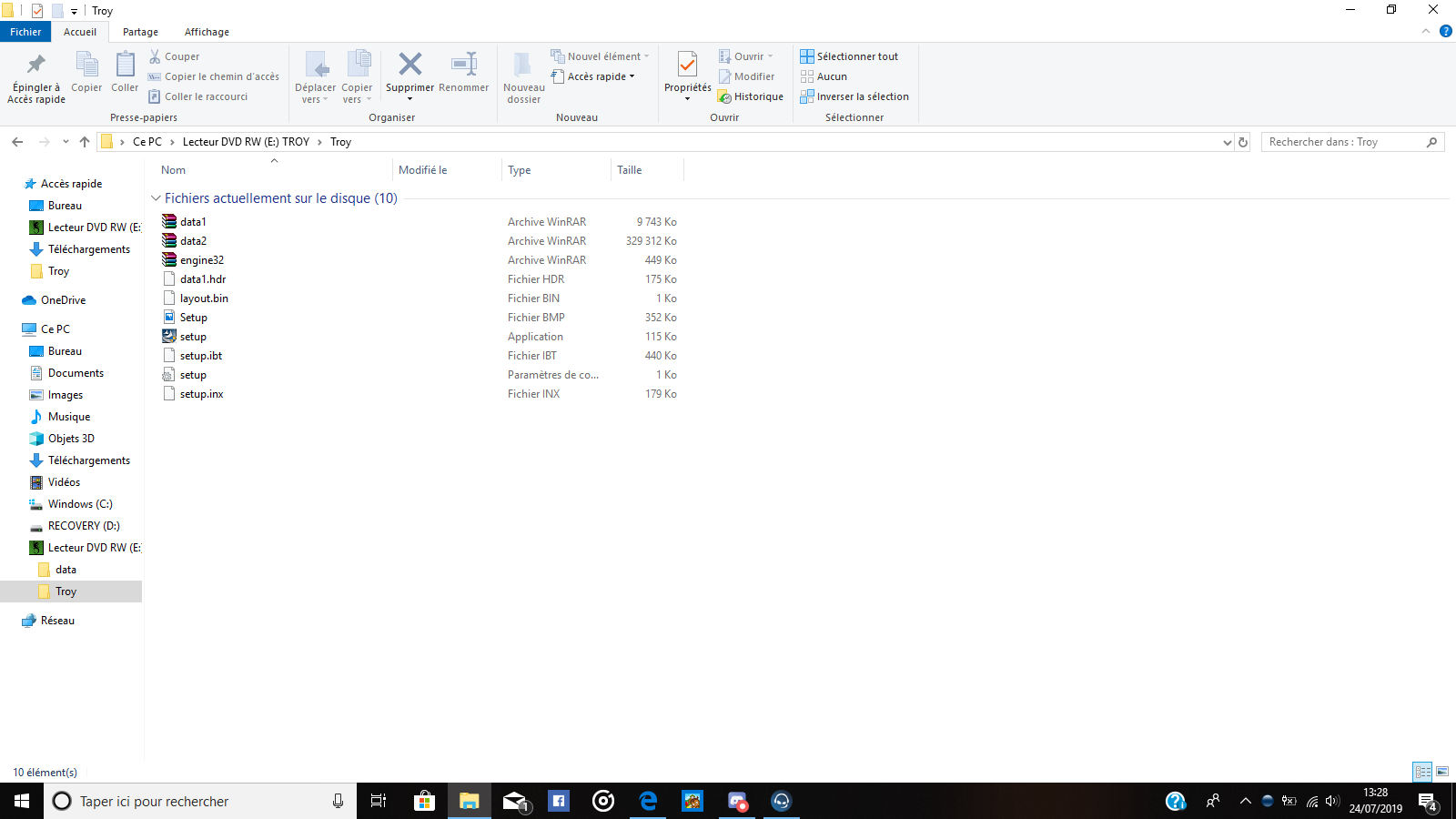
- Capture d’écran (5).png (128.7 KiB) Viewed 2891 times
Re: Gate of troy windows 10
Posted: Wed Jul 24, 2019 11:43 am
by zakblood
i'll repeat, you can't add files to a CD/ DVD
e vais répéter, vous ne pouvez pas ajouter de fichiers à un CD/ DVD
Re: Gate of troy windows 10
Posted: Wed Jul 24, 2019 1:51 pm
by icare37
if I understand well I can not change my game "gate of troy" because I have it in CD and so I can not make it work on windows 10?
Re: Gate of troy windows 10
Posted: Wed Jul 24, 2019 2:19 pm
by pipfromslitherine
You will have used the CD to install the game to your hard disk. If you check the properties on the desktop shortcut it will tell you where you installed it. The (unzipped) DLL file needs to go into that folder, on your hard disk, where the game is installed.
Cheers
Pip