first problem,
Card name:
Intel(R) HD Graphics 630
Display Memory: 16436 MB
Dedicated Memory:
128 MB
Shared Memory: 16308 MB
Current Mode: 1920 x 1080 (32 bit) (60Hz)
Display Topology:
Clone
Monitor Name: Generic PnP Monitor
Monitor Model: unknown
Monitor Id: BOE0713
Native Mode: 1920 x 1080(p) (60.428Hz)
Monitor Name: Generic PnP Monitor
Monitor Model: AMD vDisplay
Monitor Id: AMD0B80
Native Mode: 3840 x 2160(p) (59.997Hz)
Card name:
Radeon (TM) Pro WX 4130 Graphics
Display Memory: 18302 MB
Dedicated Memory: 1993 MB
Shared Memory: 16308 MB
with no monitor attached, so not used for the game
Code: Select all
https://www.techadvisor.co.uk/how-to/pc-components/how-set-default-graphics-card-3612668/
on your main question, no answer or reply from me
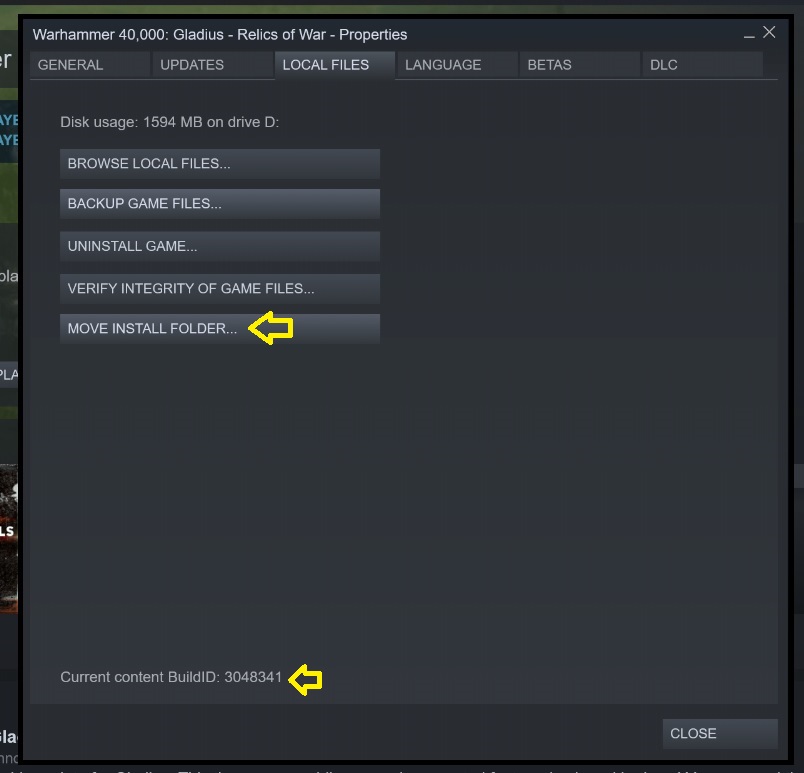
as with all games, the saves have to be saved locally and in the same place each and every time or it will error, if the game was installed as admin with the correct default location with steam, or site version for that matter, the game save game location is already done, while you can alter the location for the game, the saves are defaulted to steam rules, which can't be altered
- Untitled.jpg (71.4 KiB) Viewed 5288 times
unless someone else with more knowledge can explain how, without a registry hack, which would be broken on every game update btw
You cant.
Each game have different game save location.
Most of the game put their save files on
Steam>userdata(numbers)>gameID
What inside are screenshot/config and sometimes save files.
so altering the location of the game, gives it a new ID, but the saves are still defaulted to the same place, just with a new ID number.
the developer maybe able to explain more, reasons and offer something else, but as far as i can see, from the basic knowledge and what you have provided, it's your hardware and software which is at the point of the error, not the game, or steam even,
only information on the subject i could find is this, if it's of any help
Code: Select all
https://www.digitalcitizen.life/use-network-folders-and-files-while-offline-sync-center-offline-files
which may help you setup and sync a offline folder to the game saves, hopefully, good luck with some reading and work on your end, i'm sure you will be able to sort it out if it's worked before and will need to be active in offline mode for future game saving anyway, as none will or would work without it, only when your online and logged in at work etc
