Pacific Colour Mini Mod
Posted: Wed Jul 13, 2016 5:58 pm
Pacific Colour Mini Mod
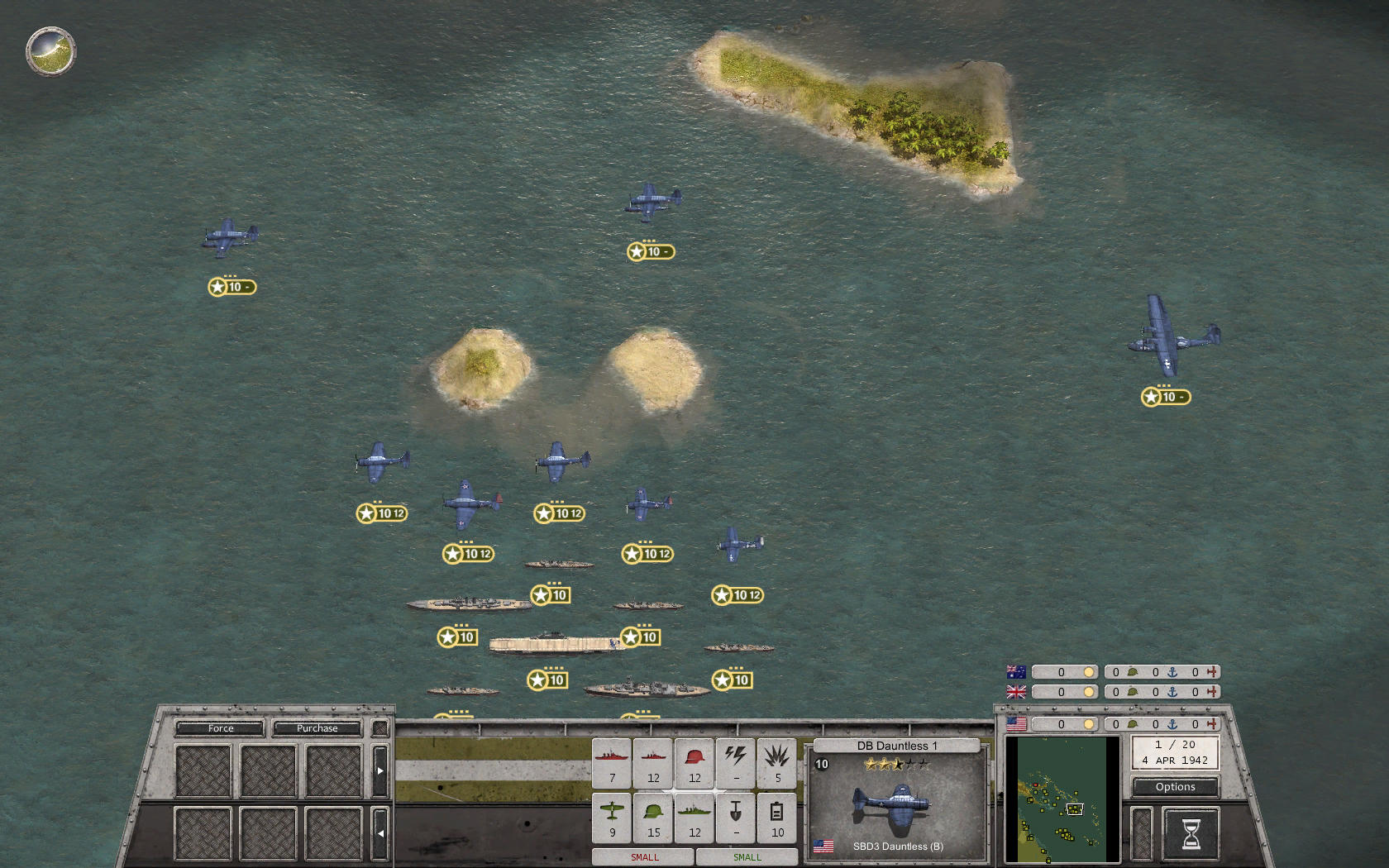
Tired of the dull dark grey Pacific waters? - No problem, that's easy to fix:
- Go to Programs(x86)/Slitherine/Order of Battle - WWII/Order of Battle - WW2_Data/Content/Graphics/Terrain/Default.
- There are a number of terrain tiles in PNG format. What we need to change is seabed.png.
- Make a backup copy of seabed.png! We may need it in case we screw something up.
- We can recolour the PNG by using a graphics editor like Photoshop or Gimp.
- In case you don't know how to do that (or it's just a lazy day) just try this tiny mini mod (as an example): http://www.mediafire.com/download/lap1q ... ni_Mod.zip Remember to make a backup copy first!
--- May you find your favourite Pacific colour! ---
---
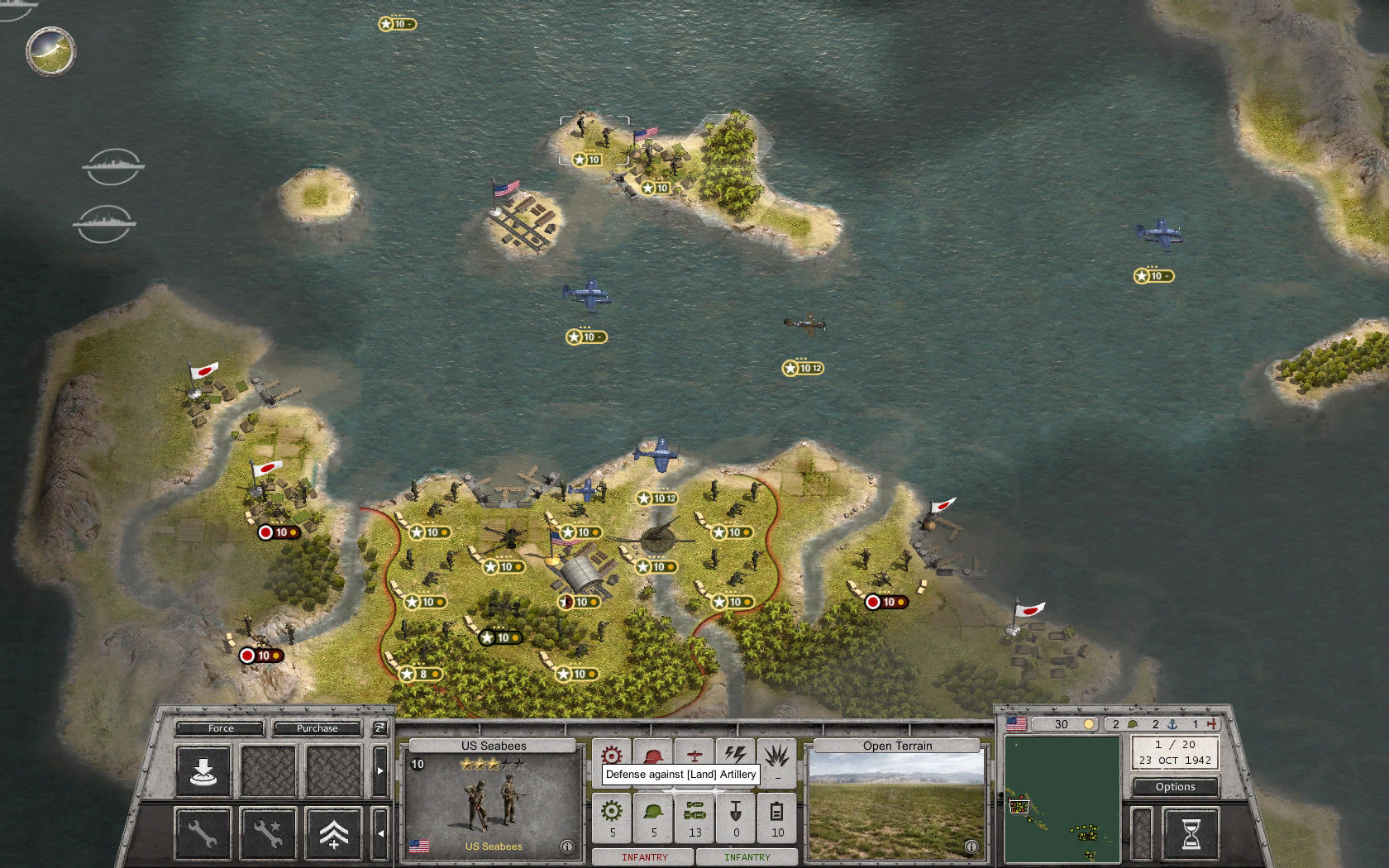
Tired of the dull dark grey Pacific waters? - No problem, that's easy to fix:
- Go to Programs(x86)/Slitherine/Order of Battle - WWII/Order of Battle - WW2_Data/Content/Graphics/Terrain/Default.
- There are a number of terrain tiles in PNG format. What we need to change is seabed.png.
- Make a backup copy of seabed.png! We may need it in case we screw something up.
- We can recolour the PNG by using a graphics editor like Photoshop or Gimp.
- In case you don't know how to do that (or it's just a lazy day) just try this tiny mini mod (as an example): http://www.mediafire.com/download/lap1q ... ni_Mod.zip Remember to make a backup copy first!
--- May you find your favourite Pacific colour!
--- Can one of the mods please move this thread to the Scenario Design forum? - Thanks in advance!
