Page 1 of 1
Game Manual button doesn't work (PC)
Posted: Thu Sep 17, 2015 5:09 pm
by HeinzHarald
Nothing happens when I press the button to open the manual in the launch menu (Matrix Games version). I can find and open the manual in the game directory though, so it's not really a problem.
Re: Game Manual button doesn't work (PC)
Posted: Thu Sep 17, 2015 9:16 pm
by mboog12
yep, we'll look into it tomorrow first hour. have a great evening!
Re: Game Manual button doesn't work (PC)
Posted: Thu Sep 17, 2015 9:40 pm
by VPaulus
I've just tested and it's working.
Please check if your Internet security programs (like anti-virus) aren't interfering with the game launcher menu.
Re: Game Manual button doesn't work (PC)
Posted: Fri Sep 18, 2015 5:15 am
by zakblood
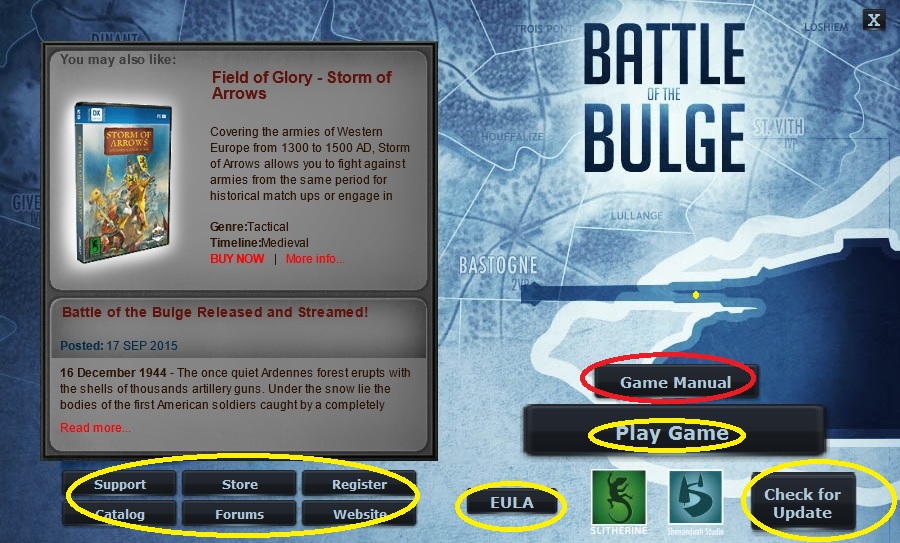
if you don't use the shortcut and do a auto run from the game install folder, you get this screen
- 1.jpg (186.92 KiB) Viewed 3358 times
yellow works, red doesn't.
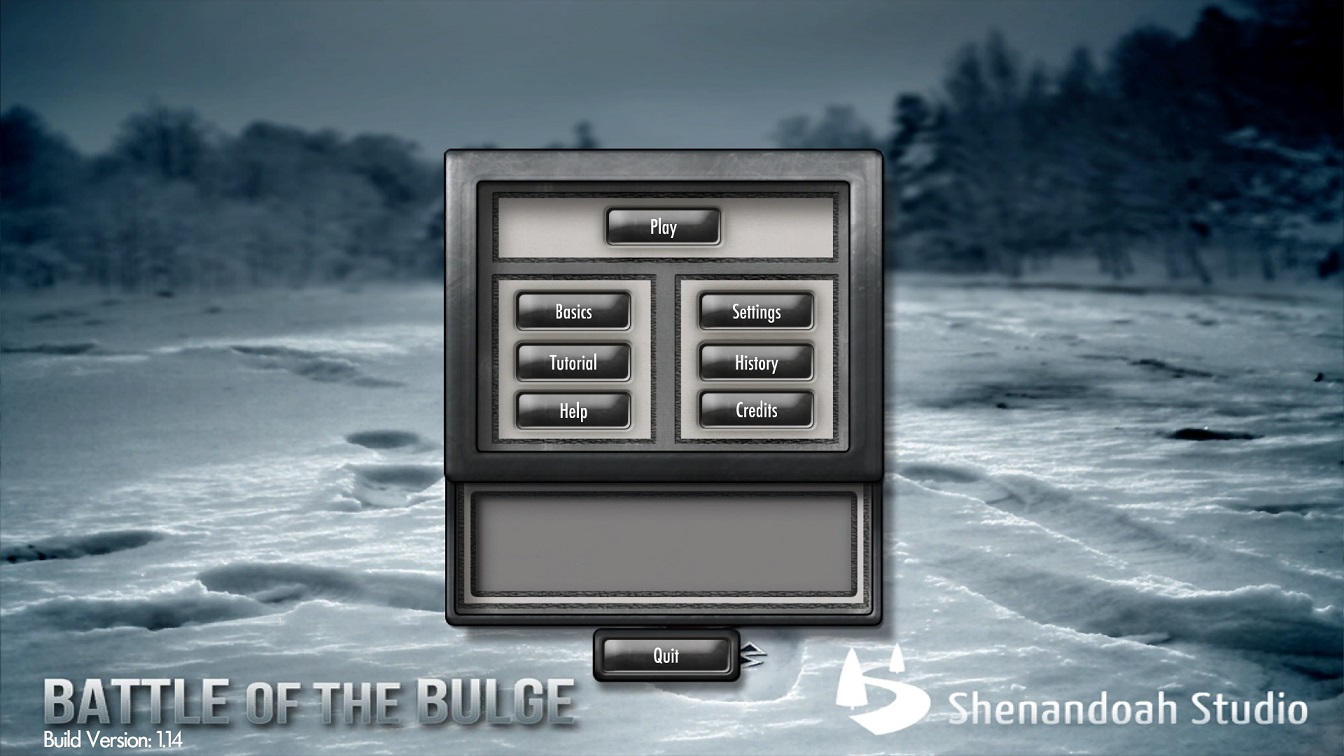
normally you don't see this screen as the shortcut takes you to this one
- 2.jpg (217.21 KiB) Viewed 3358 times
Re: Game Manual button doesn't work (PC)
Posted: Fri Sep 18, 2015 8:29 am
by IainMcNeil
I have seen this problem before where pdf's refuse to open sometimes due to some corruption in Adobe. The only way I fixed it was by reinstalling Adobe acrobat. As an alternative just go to the games install folder and the manual is in a manual subfolder I think.
Re: Game Manual button doesn't work (PC)
Posted: Fri Sep 18, 2015 11:55 am
by VPaulus
Sorry guys. Yesterday I have only tested the Steam version.
I can confirm that this is an issue in no-Steam version.
I will report this.
Re: Game Manual button doesn't work (PC)
Posted: Fri Sep 18, 2015 12:30 pm
by zakblood
IainMcNeil wrote:I have seen this problem before where pdf's refuse to open sometimes due to some corruption in Adobe. The only way I fixed it was by reinstalling Adobe acrobat. As an alternative just go to the games install folder and the manual is in a manual subfolder I think.
file works fine like poster said above if manually found, just link doesn't open it, so either way no big deal tbh
