Page 1 of 1

click multiplay then crash

Posted: Wed Dec 29, 2010 2:22 pm
by poop17
Version 1.5.1

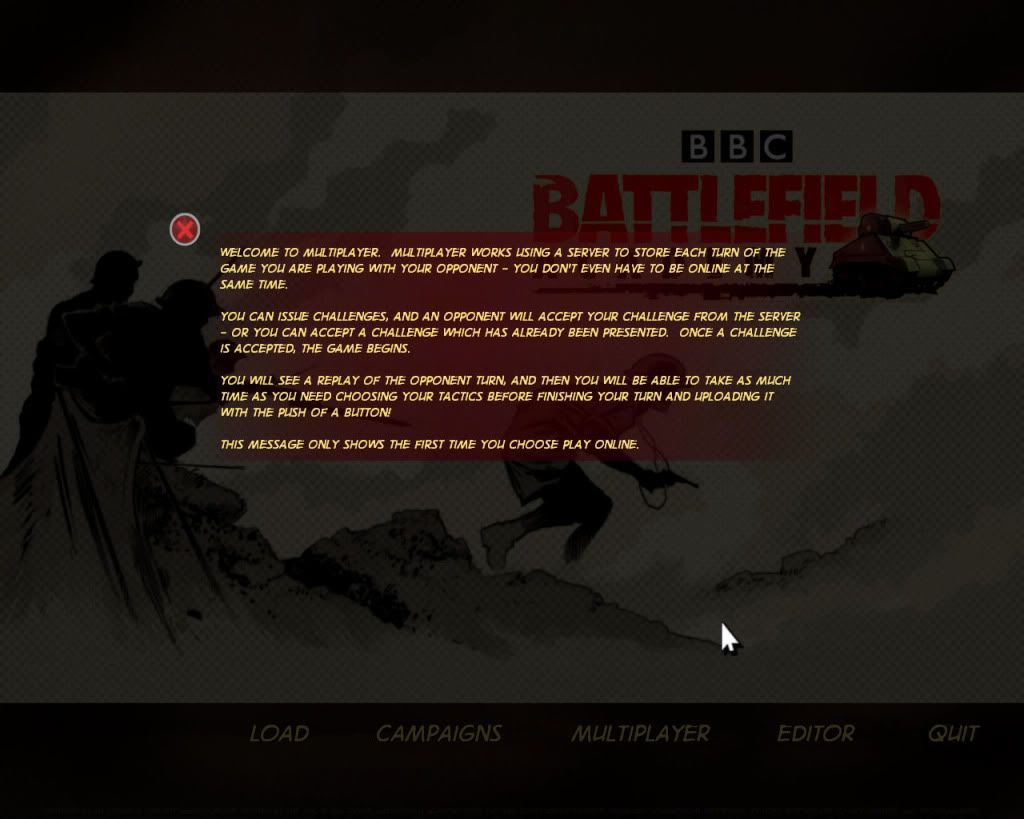
click multiplay
then...
Image

Image

Posted: Wed Dec 29, 2010 4:16 pm
by pipfromslitherine
Does this happen every time? Can you please post the error.log file (found in My Docs\My Games\BBCBA) immediately after the crash as it contains information to help track it down.

Cheers

Pip

Posted: Thu Dec 30, 2010 11:17 am
by poop17
I bought the game a few day ago,the Version is 1.5
when i run the game ,sometimes it hint me"you are play offline",(But my pc is online,I mean I can watch Online Tv,use google..)and sometimes it hint me "Auto Update?",i click "yes",update it ,but it close itself.

And when Verison is 1.5, I click multiplay ,the game also hint me "Version is not latest"(I can't remeber clear)


then I manually down the file from http://www.slitherine.com/files/bbc_ba/ ... v1.5.1.exe and update it,the game is 1.5.1
but everytime i click multiplay , it show error.
And I run game,it still show "Youare play offline".I can't Understand :(


shall I re-install game?

======================error.log==================
CPU String: AuthenticAMD
Stepping ID = 1
Model = 11
Family = 15
Extended model = 6
CLFLUSH cache line size = 64
CPU Brand String: AMD Athlon(tm) 64 X2 Dual Core Processor 4000+
Cache Size = 512K
UNKNOWN TAGS IN: Config\system.txt
Unknown Tag: MOVIEMODE
Unknown Tag: DYNAMICENV
Unknown Tag: LAYOUTKILLSENEMYX,
END: Config\system.txt
Found DirectX Version Number: 4.09.00.0904
Creating Device.....
MonkeyInitStart
MIS: Found DD
MIS: IsHW
MIS: SetCoop
MIS: Setting Disp Mode
MIS: Done Init 3D Device
MIS: SDRS
MIS: Tex Enum
MIS: Init Decal Render
INITIAL LOAD 672
ERROR
mConfirmCallback == NULL
.\UIManager.cpp(3903) : Failed
ERROR

######## EXCEPTION: 0x80000003 at address: 0x7C92120E
F:\Slitherine\Battlefield Academy\Battlefield Academy;F:\Slitherine\Battlefield Academy\Battlefield Academy;C:\WINDOWS
DbgBreakPoint
0: SymGetSymFromAddr64(): GetLastError = 126
0: SymGetLineFromAddr(): GetLastError = 126
0: SymGetSymFromAddr64(): GetLastError = 126
0: SymGetLineFromAddr(): GetLastError = 126
0: SymGetSymFromAddr64(): GetLastError = 487
0: SymGetSymFromAddr64(): GetLastError = 126
0: SymGetLineFromAddr(): GetLastError = 126
0: SymGetSymFromAddr64(): GetLastError = 126
0: SymGetLineFromAddr(): GetLastError = 126
0: SymGetSymFromAddr64(): GetLastError = 126
0: SymGetLineFromAddr(): GetLastError = 126
0: SymGetSymFromAddr64(): GetLastError = 126
0: SymGetLineFromAddr(): GetLastError = 126
0: SymGetSymFromAddr64(): GetLastError = 126
0: SymGetLineFromAddr(): GetLastError = 126
0: SymGetSymFromAddr64(): GetLastError = 126
0: SymGetLineFromAddr(): GetLastError = 126
0: SymGetSymFromAddr64(): GetLastError = 126
0: SymGetLineFromAddr(): GetLastError = 126
0: SymGetSymFromAddr64(): GetLastError = 126
0: SymGetLineFromAddr(): GetLastError = 126

Posted: Thu Dec 30, 2010 4:17 pm
by pipfromslitherine
You might need to allow the game in your firewall? Although if it says that you are online sometimes, then that is very odd. It is possible that it is trying to show an error but that some bug is preventing it from displaying correctly.

I will take a look and see what I can see from my end.

Cheers

Pip

Posted: Fri Dec 31, 2010 10:32 am
by poop17
thanks for your help.BUt I shut down firewall and antivirus ,it still can't work.It's a really odd question.
Enjoy your holiday,work can be do after the holiday.:)


tarroro

Posted: Fri Dec 31, 2010 12:42 pm
by junk2drive
Your error report has F:\ and C:\

Has MP ever worked? Is BA installed on C:\ ?

Posted: Sat Jan 01, 2011 12:45 am
by poop17
No ,BA is installed on f:

Posted: Sat Jan 01, 2011 1:33 am
by junk2drive
Can you uninstall and install on C:\

I think the game is looking for your My Games\BBCBA folder on C: and also MP checks for cheating by comparing your data files on C:

I could be wrong but it's a good guess.

Posted: Sat Jan 01, 2011 2:45 am
by rkr1958
junk2drive wrote:Can you uninstall and install on C:\

I think the game is looking for your My Games\BBCBA folder on C: and also MP checks for cheating by comparing your data files on C:

I could be wrong but it's a good guess.
I installed BA on my D: drive. Does this mean I'll have the same problem if I try to play MP?

Posted: Sat Jan 01, 2011 3:19 am
by junk2drive
His is the first concern like this in all of these months. I'm just guessing. Try clicking your multiplayer menu and let us know.

Posted: Sat Jan 01, 2011 4:22 am
by rkr1958
junk2drive wrote:His is the first concern like this in all of these months. I'm just guessing. Try clicking your multiplayer menu and let us know.
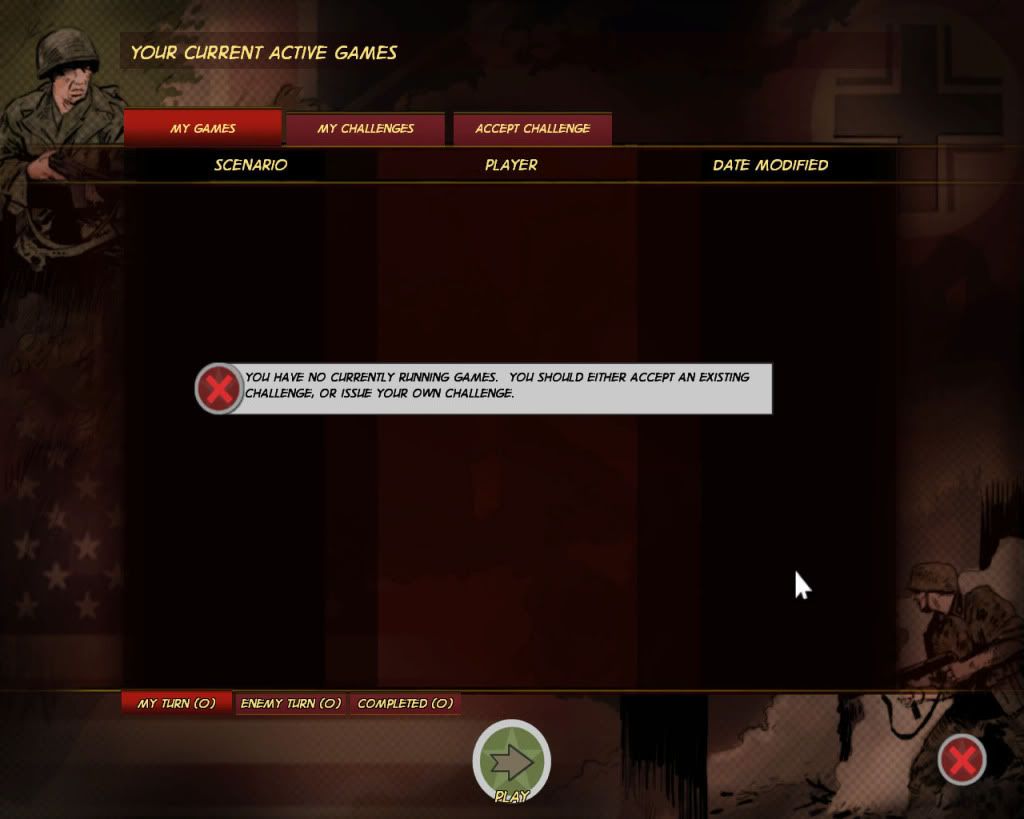
I got this far so I guess I'm ok and installing it on a drive other than the C:\ drive is ok too?

Image

Image

Posted: Sat Jan 01, 2011 5:13 am
by junk2drive
If you got that far you should be good to go. Enjoy MP.

Posted: Sat Jan 01, 2011 2:52 pm
by poop17
hi,Junk ,I had try it,even re-install game,but still can't work :(

Posted: Sat Jan 01, 2011 2:55 pm
by poop17
...mmm,odd...it work...at least i can mp now... :shock: everything looks like good....


when i finish re-install game, my first run mp,it show error; but ...now it work. :shock: :shock:

Posted: Sun Jan 02, 2011 2:48 am
by poop17
today it show error again,but i try 2~3,i mean close and run again,it work.
May be because connect serve fail,then show error?just my guess

Posted: Sun Jan 02, 2011 9:16 pm
by pipfromslitherine
What kind of connection are you using? Do you see the launcher information come up when you start the game?

Cheers

Pip

Posted: Mon Jan 03, 2011 10:39 am
by poop17
ADSL

if start game,it show "you are play offline ",then it mostly show error,but if i saw "blizkrieg france,get it now",MP mostly can work.

so,i think maybe cause by my net connect

Posted: Mon Jan 03, 2011 7:42 pm
by pipfromslitherine
Yes - if the launcher shows playing offline, then it usually means that you're not connected to the internet. It might be some odd driver behaviour which takes too long to begin a session - but BA uses pretty much the same backend system funtionality as a browser etc.

I will at least attempt to prevent the crashing behaviour.

Thanks for your patience.

Cheers

Pip

Posted: Tue Jan 04, 2011 12:15 am
by poop17
Thanks for BA team~:):)