Page 8 of 12
Re: Unit Navigator Tool
Posted: Sun Nov 25, 2018 7:51 am
by Mojko
Unit pictures updated. See
diff page for more details.
- german infantry & heavy infantry 44, 45 now have fancy Panzerfaust equipped
- you need to manually clear your browser cache to see the new pictures as I did not change app version
Re: Unit Navigator Tool
Posted: Thu Dec 27, 2018 6:50 am
by Mojko
There was a
forum post showing Panzer Korps upgrade paths a while back which made me curious if such a feature would be a nice addition in Unit Navigator Tool. There is already an option to see an upgrade path for a specific unit in UNT, but there is no way to see a general overview. I think upgrade paths are pretty lacking in OOB in a sense that there are a lot of units that are misconfigured. This feature could help highlight and corrected these issues, but also provide a useful information when deciding which unit to buy. The Panzer Korps chart also shows unit switch connections, which I think is unnecessary and not that important. I would like to focus only on the upgrade paths to make the featured highly usable and simple to use.
Here is my take on how it may work:
1 - Filters
- the UI would have different filters from the normal view
- filters would be: faction and unit type
Questions:
- how to display the upgrade paths for units that share a path and are from different categories?
- do we need "show only units with upgrade paths" filter?
2 - Timeline
- the timeline needs to be either horizontal or vertical
- a horizontal timeline would be better for small screen devices such as phones and tablets
- a vertical timeline would be better for large screen devices such as desktops
- a combined view can be implemented which takes into account screen size and changes the timeline direction, this has a downside as the UI might be confusing if you're changing your screen size and also this requires more work to implement
Questions:
- which approach is the best?
3 - How much information to include in a unit
- the units should be probably only very small images with a link to the actual unit data
- some information may be displayed on hover event (when you move your mouse button of the unit or click once on a phone or tablet)
- how much information to include?
Please let me know your thoughts and ideas about this feature.
Re: Unit Navigator Tool
Posted: Fri Dec 28, 2018 3:43 pm
by GabeKnight
I'm not sure if just creating/generating such a faction specific chart for OoB wouldn't be more than enough? Rather than implementing a whole new procedural routine into the UNT?
Re: Unit Navigator Tool
Posted: Fri Dec 28, 2018 10:45 pm
by Mojko
GabeKnight wrote: Fri Dec 28, 2018 3:43 pm
I'm not sure if just creating/generating such a faction specific chart for OoB wouldn't be more than enough? Rather than implementing a whole new procedural routine into the UNT?
I don't think a one time chart is good enough as new units get added and existing changed. To be honest, for me the upgrade paths are the first thing I explore after the new DLC comes out. Currently, it's very tedious to do that in the UNT, I want to have a nice overview available. The implementation shouldn't be that difficult, but the challenge is a good UI design. I write the code, but I rarely do UI design, In my work, I just get the UI design as a part of requirements. This is why I wanted to discuss how the UI should work before I implement it.
Re: Unit Navigator Tool
Posted: Tue Jan 01, 2019 3:28 am
by bru888
I cannot believe the following:
1) I initially resisted this tool because it was unofficial; I preferred an official version instead. Seriously, that's what I was thinking.
2) How often I use this tool now even though I must leave the game to access it. Big deal; pause the game and Alt+Tab, dummy.
Thanks again, Mojko. Happy New Year.
Re: Unit Navigator Tool
Posted: Tue Jan 01, 2019 4:39 pm
by Mojko
bru888 wrote: Tue Jan 01, 2019 3:28 am
I cannot believe the following:
1) I initially resisted this tool because it was unofficial; I preferred an official version instead. Seriously, that's what I was thinking.
2) How often I use this tool now even though I must leave the game to access it. Big deal; pause the game and Alt+Tab, dummy.
Thanks again, Mojko. Happy New Year.
Thank you, your feedback is much appreciated

Happy New Year!
Re: Unit Navigator Tool
Posted: Fri Jan 18, 2019 5:10 am
by terminator

If we choose no option for
faction, we can see all the factions :
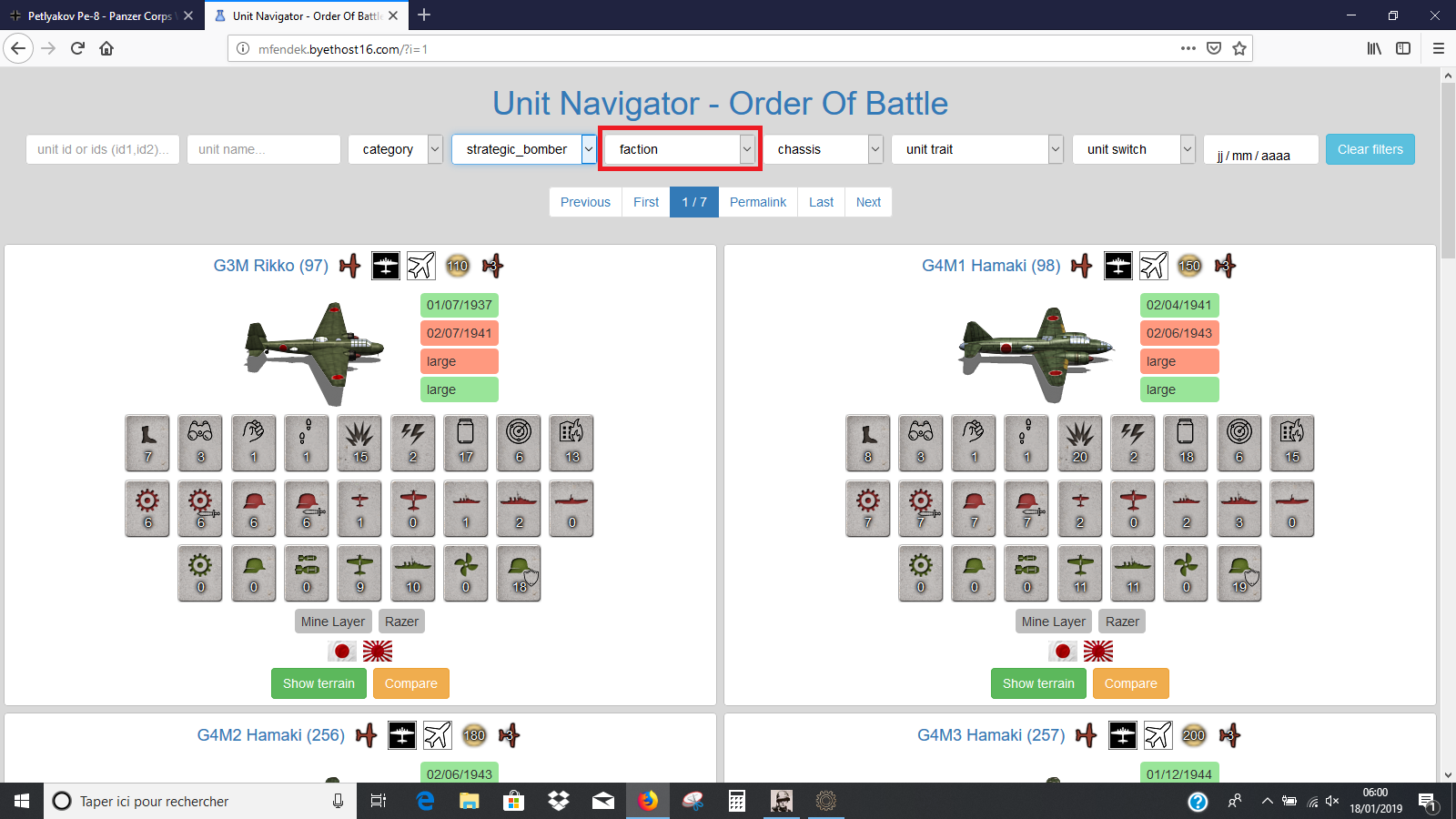
- Capture d’écran (7).png (316.62 KiB) Viewed 11020 times
If we choose
faction = all, we can not see all the factions :
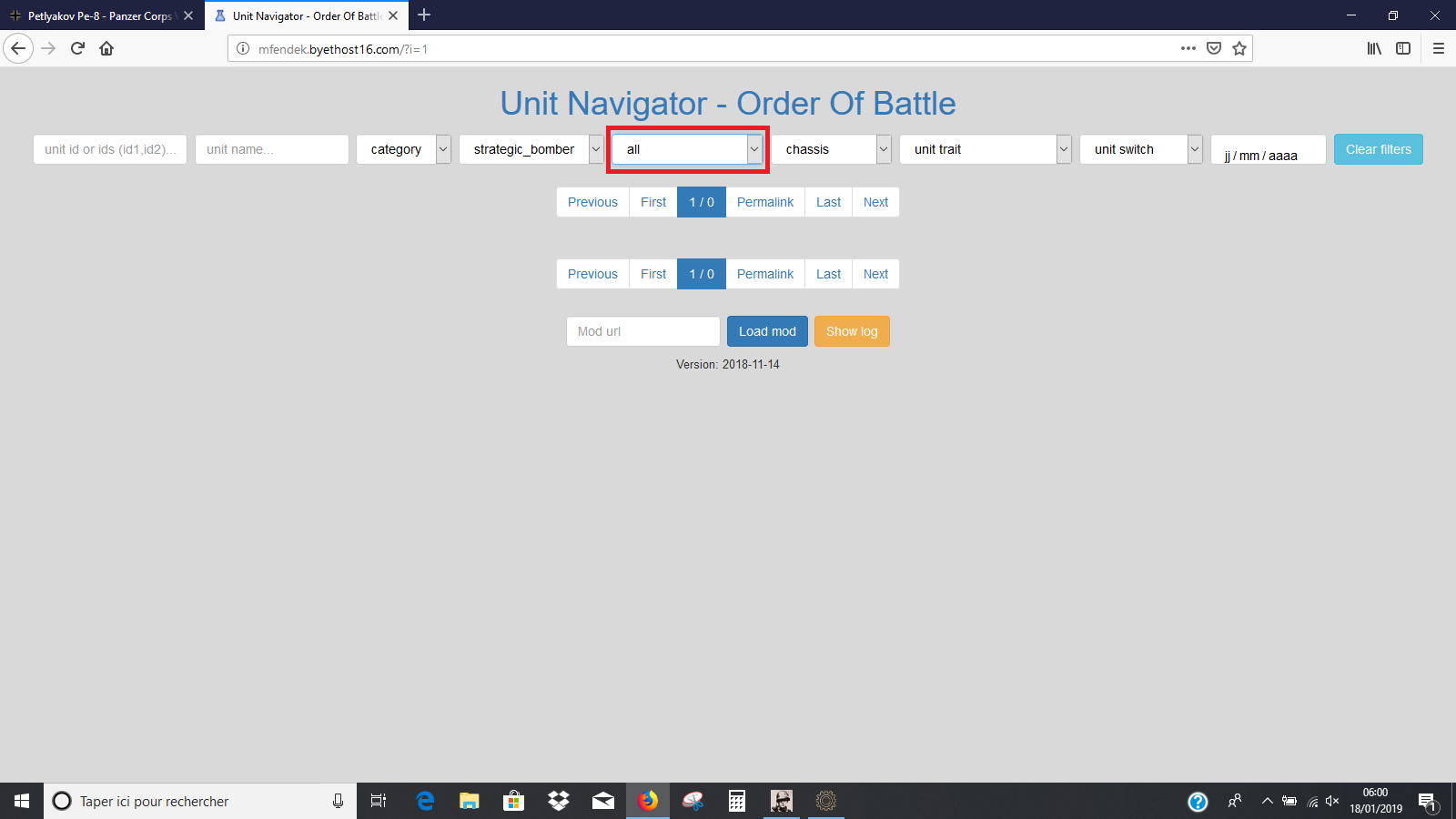
- Capture d’écran (6).png (90.65 KiB) Viewed 11020 times
Re: Unit Navigator Tool
Posted: Fri Jan 18, 2019 5:19 am
by Mojko
terminator wrote: Fri Jan 18, 2019 5:10 am
If we choose
faction = all, we can not see all the factions :
all is a faction, not a special option to see all factions. This faction contains neutral units that any faction can use such as supply ships. It even has it's own flag.
Re: Unit Navigator Tool
Posted: Fri Jan 18, 2019 5:59 am
by terminator
Mojko wrote: Fri Jan 18, 2019 5:19 am
all is a faction, not a special option to see all factions. This faction contains neutral units that any faction can use such as supply ships. It even has it's own flag.
The
PanzerCorps Editor misled me

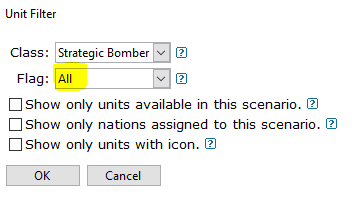
- All.PNG (5.71 KiB) Viewed 11011 times
Re: Unit Navigator Tool
Posted: Sat Mar 02, 2019 4:25 am
by Mojko
New version released: 2019-03-02
- Game data files updated to version 7.1.6
See
diff page for more details.
Re: Unit Navigator Tool
Posted: Sat Mar 02, 2019 3:58 pm
by terminator
Thank you for the new version
Missing image :
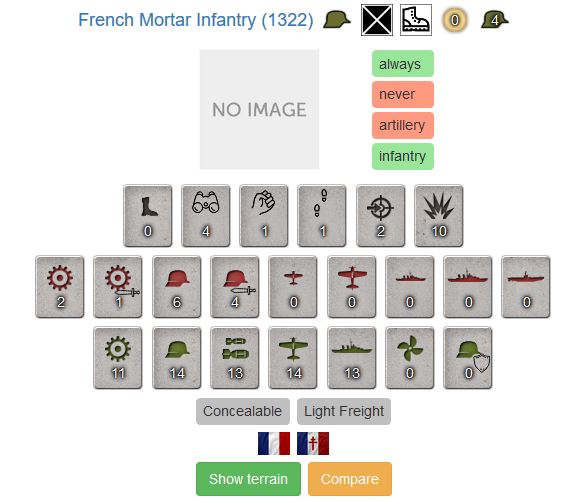
- FrenchMortar(1).JPG (46.58 KiB) Viewed 10740 times
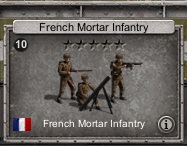
- FrenchMortar(2).jpg (14.92 KiB) Viewed 10740 times
Re: Unit Navigator Tool
Posted: Sat Mar 02, 2019 4:35 pm
by terminator
Another missing image, apparently the same as before (I need these images for my Unit Editor Tool) :
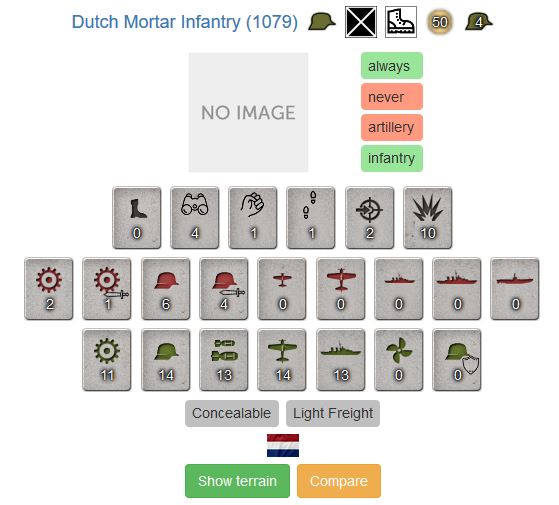
- DutchMortar(1).JPG (45.68 KiB) Viewed 10737 times
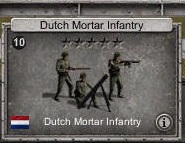
- DutchMortar(2).jpg (14.57 KiB) Viewed 10737 times
Re: Unit Navigator Tool
Posted: Sat Mar 02, 2019 4:50 pm
by terminator
Another missing image, apparently the same as before (I need these images for my Unit Editor Tool) :
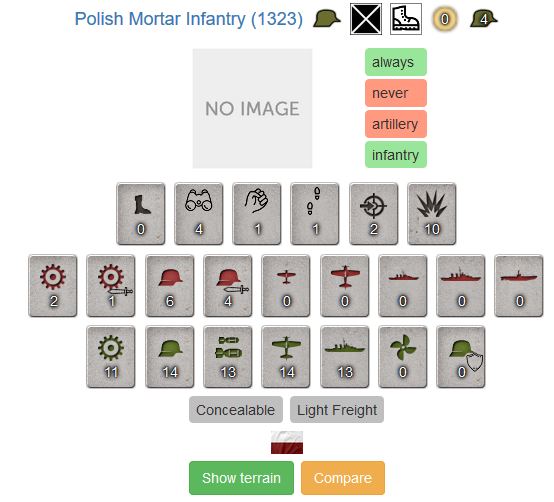
- PolishMortar(1).JPG (46.23 KiB) Viewed 10733 times
- PolishMortar(2).jpg (15 KiB) Viewed 10733 times
Re: Unit Navigator Tool
Posted: Sat Mar 02, 2019 5:05 pm
by terminator
Another missing image, apparently the same as before (I need these images for my Unit Editor Tool) :
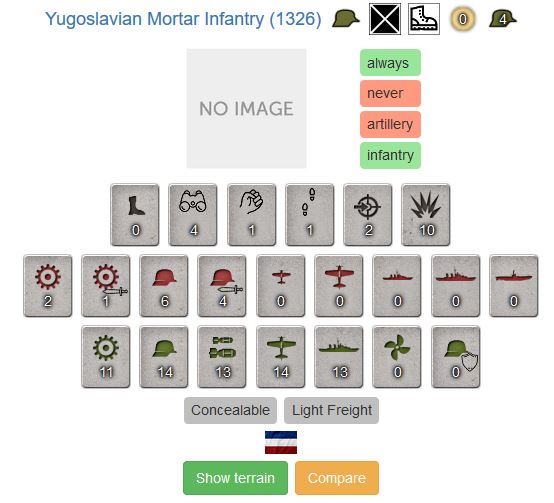
- YugoMortar(1).JPG (47.02 KiB) Viewed 10732 times
- YugoMortar(2).jpg (14.59 KiB) Viewed 10732 times
Re: Unit Navigator Tool
Posted: Sun Mar 03, 2019 3:05 am
by Mojko
Thanks for reporting on the missing images. I'm happy to add them if someone could export it from the game.
Re: Unit Navigator Tool
Posted: Sun Mar 03, 2019 4:47 am
by terminator
Mojko wrote: Sun Mar 03, 2019 3:05 am
Thanks for reporting on the missing images. I'm happy to add them if someone could export it from the game.
You can download the missing mortar infantry images here :
viewtopic.php?f=374&t=82935&start=260#p772553
Re: Unit Navigator Tool
Posted: Mon Mar 04, 2019 6:07 am
by Mojko
Thanks for help. I've added the missing images.
Re: Unit Navigator Tool
Posted: Sat Mar 16, 2019 1:40 am
by Mojko
New version released: 2019-03-11
- unit supply filter added
See
diff page for more details.
Re: Unit Navigator Tool
Posted: Fri Mar 22, 2019 9:12 pm
by terminator
Bugs in the availability and expiration dates for Finnish Infantry '40 & 41 :
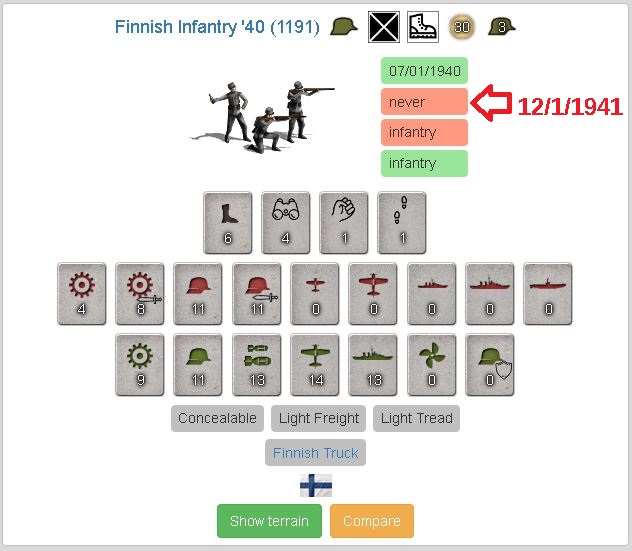
- FinnishInfantry(UnitNavigator)(2).JPG (80.2 KiB) Viewed 10480 times
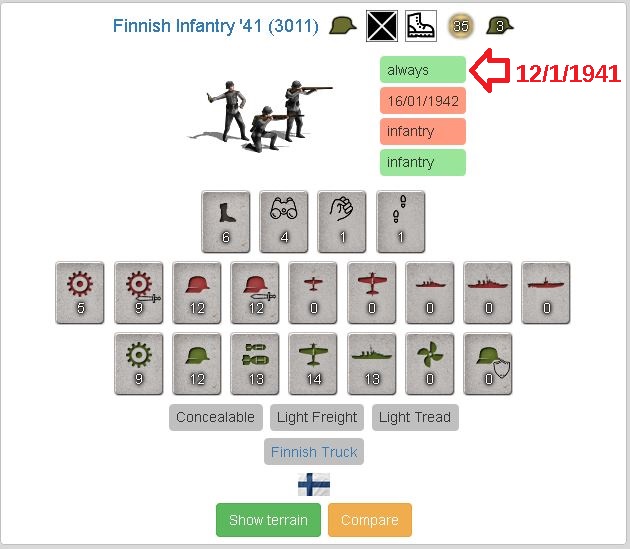
- FinnishInfantry(UnitNavigator)(3).JPG (79.14 KiB) Viewed 10480 times
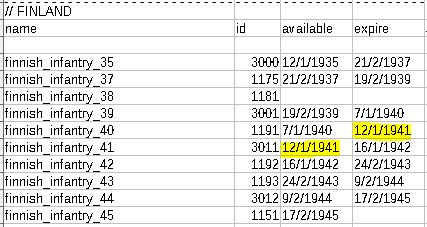
- FinnishInfantry(UnitNavigator).JPG (42.95 KiB) Viewed 10480 times
Re: Unit Navigator Tool
Posted: Sat Mar 23, 2019 2:19 am
by Mojko
New version released: 2019-03-23
- Available and expire date time handling corrected
See
diff page for more details.